Rainbow Recipes
Table of Contents
About
Rainbow Recipes GitHub Organization
The Team
Ievgen Borovenskyi • Jasmine Chan • Tylor Nadamoto Beller • Megan Wong
📃 Rainbow Recipes Team Contract
Deployment
Deployed Site: https://rainbow-recipes.vercel.app/

Project Overview
Problem: College students often have limited kitchen supplies and may lack basic cooking skills. With busy school schedules and part-time work, they have little time to not only learn and prepare meals, but to go out and buy groceries. As a result, it’s easy to fall into the habit of eating out or even forgetting to eat.
Solution: Rainbow Recipes aims to solve this issue, targeting students at UH Mānoa, by providing a system that students can use to learn or share quick, simple, and easy to prepare recipes:
- Uses minimal kitchen facilities and supplies.
- Ingredients are available within walking distance of UH.
- Suits local taste.
- Can be filtered via dietary restrictions (gluten-free, vegan, etc).
- Has an estimated cost per serving, estimated number of servings, and estimated prep-time.
Approach
There are three roles in this system: students, vendors, and admins:
- Students can both search for and contribute recipes.
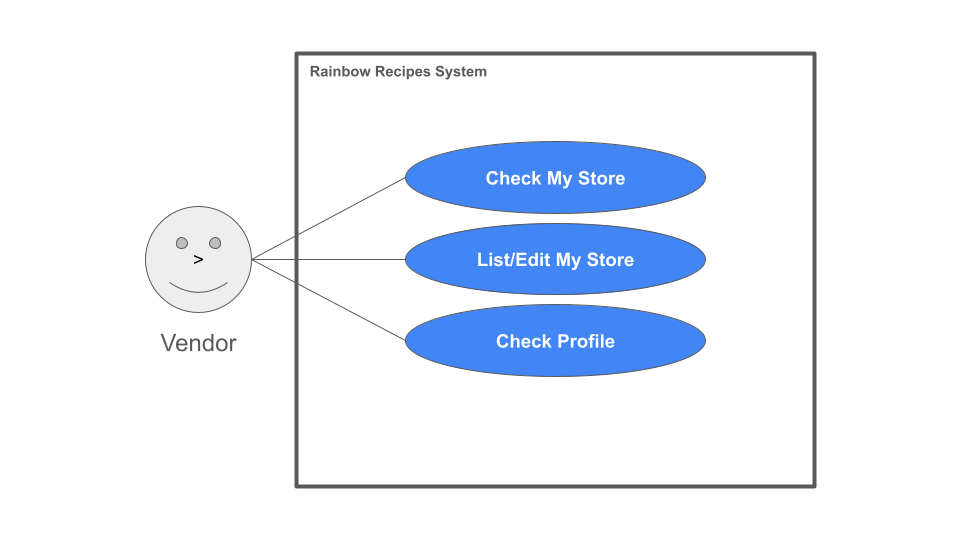
- Vendors (local grocery stores and/or farmer’s markets) can login and establish a profile including their location and hours.
- Admins can edit all content in the system, remove inappropriate content, and establish users as having the vendor role.
Mockup Pages
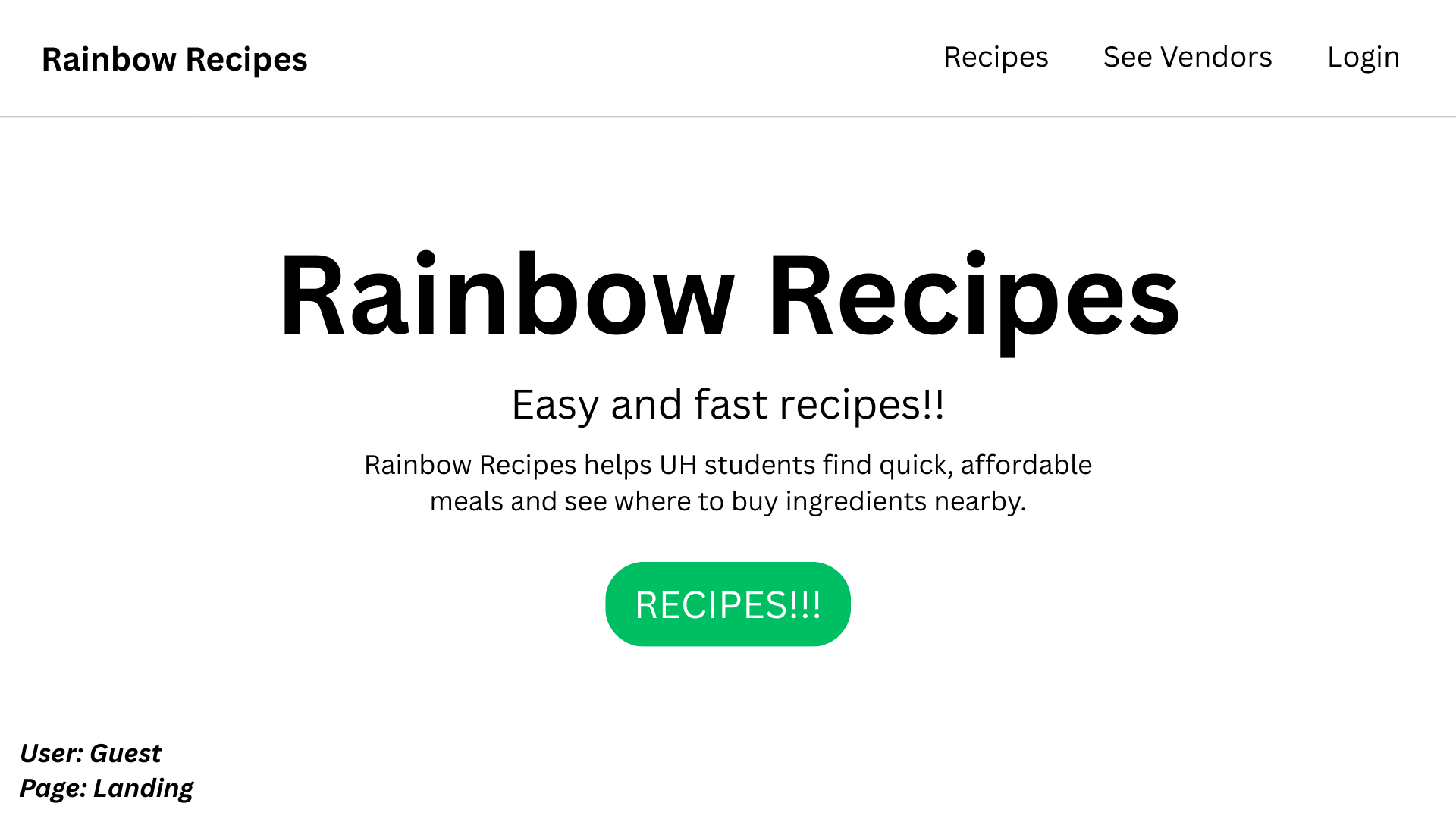
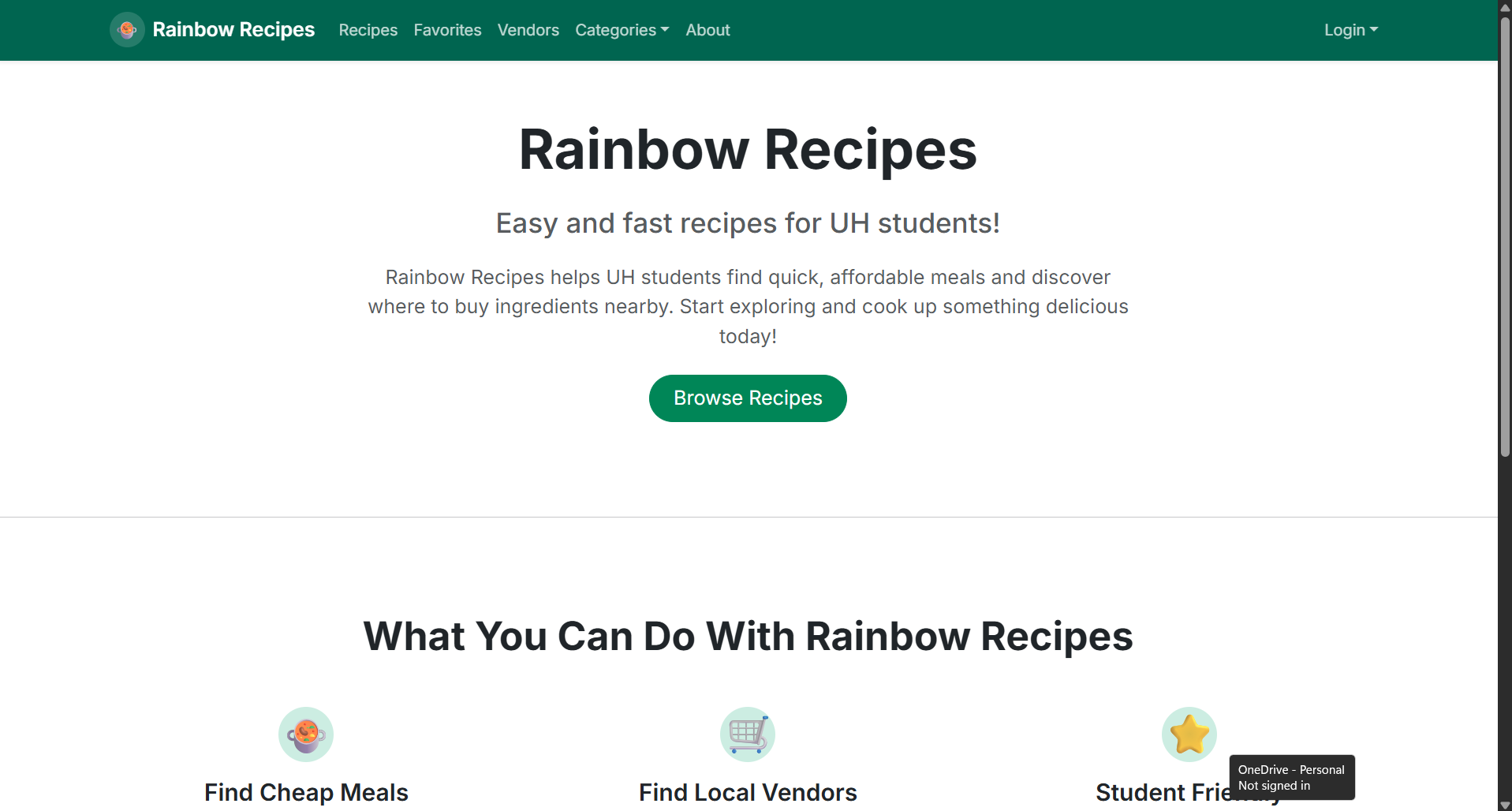
Guest Landing Page
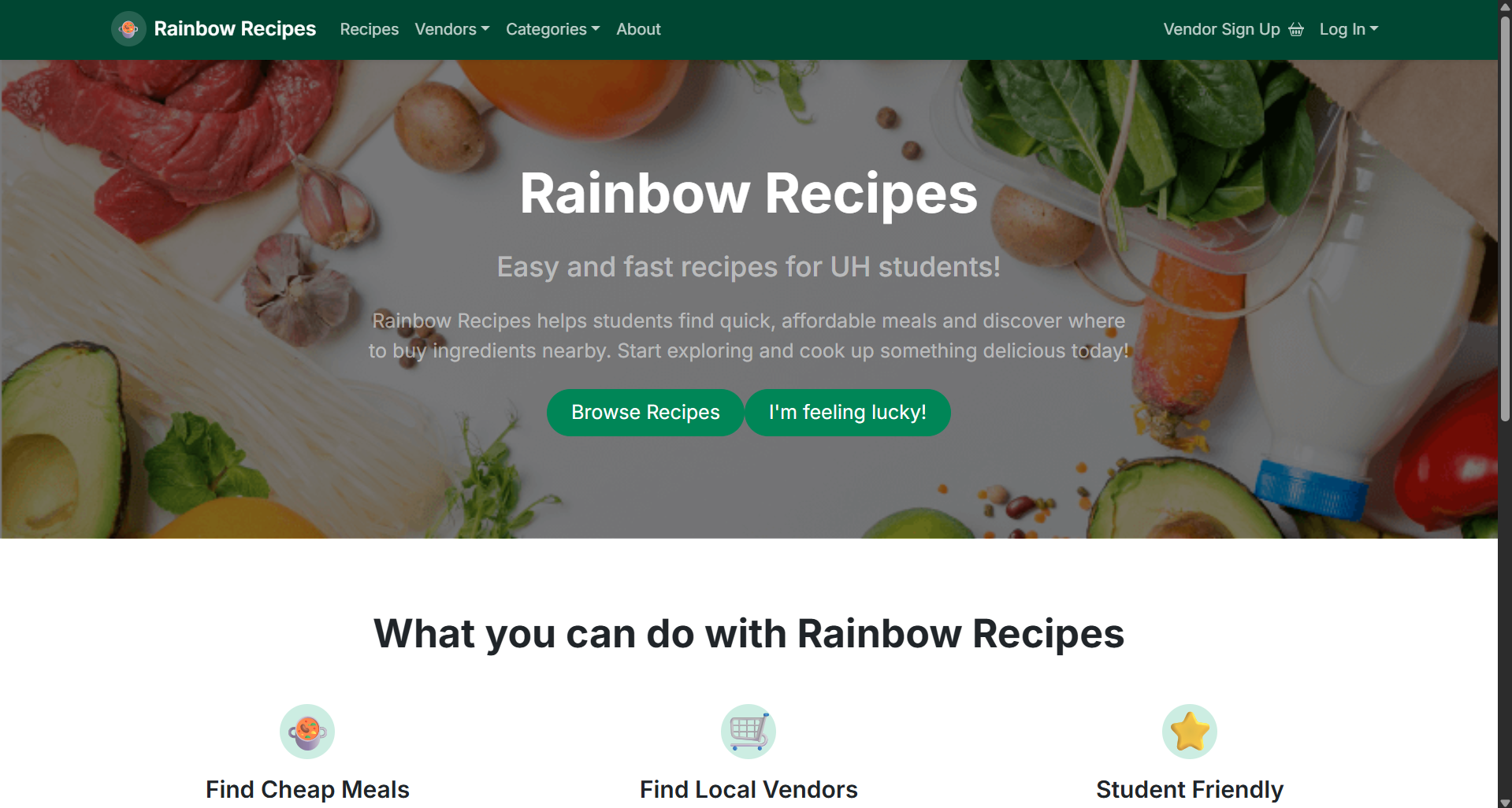
The landing page is the first page presented to visitors when they access the Rainbow Recipes site. It gives a clear introduction to the application, guiding users towards the main features of the website.
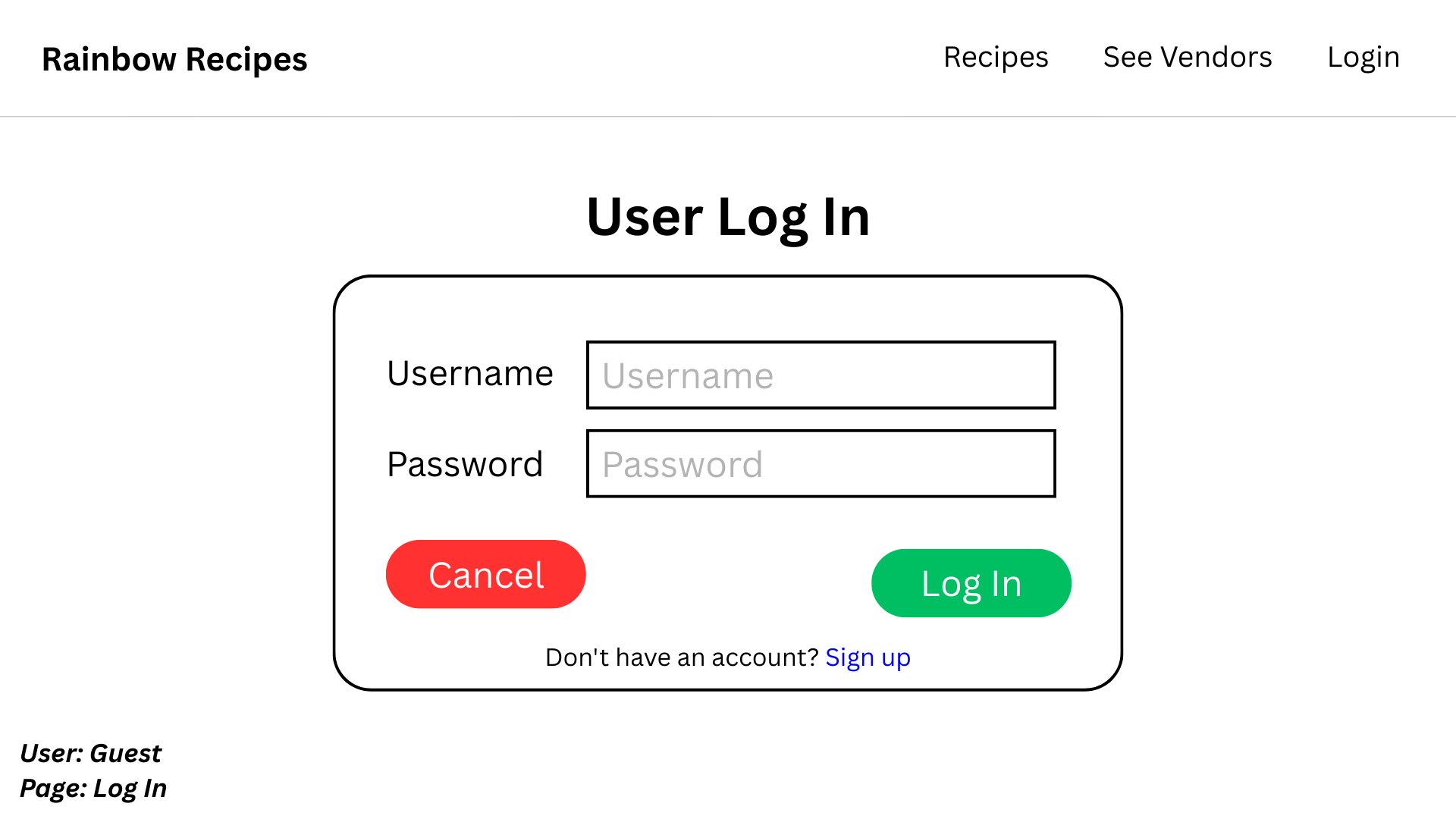
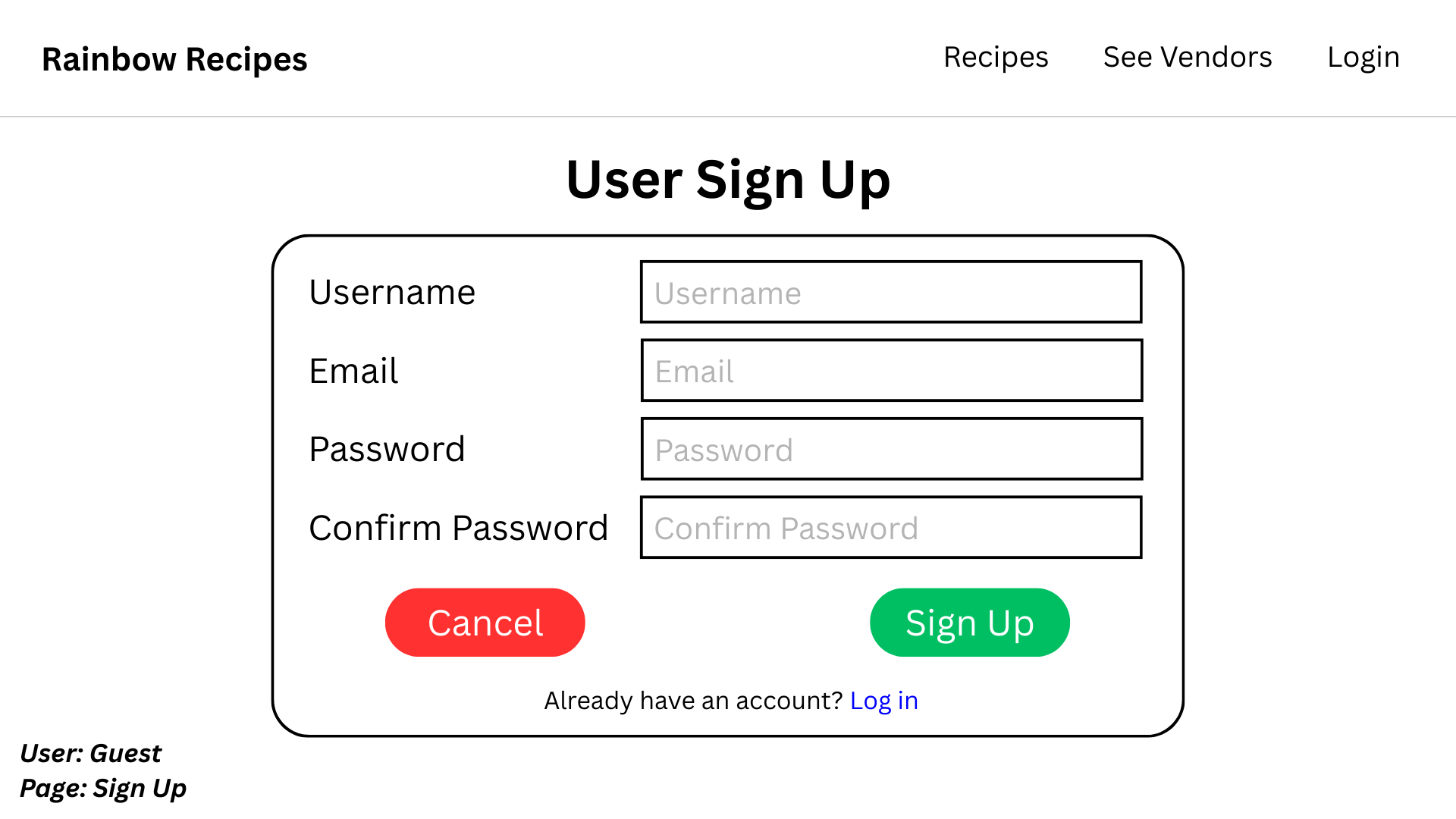
User Log In / Sign Up
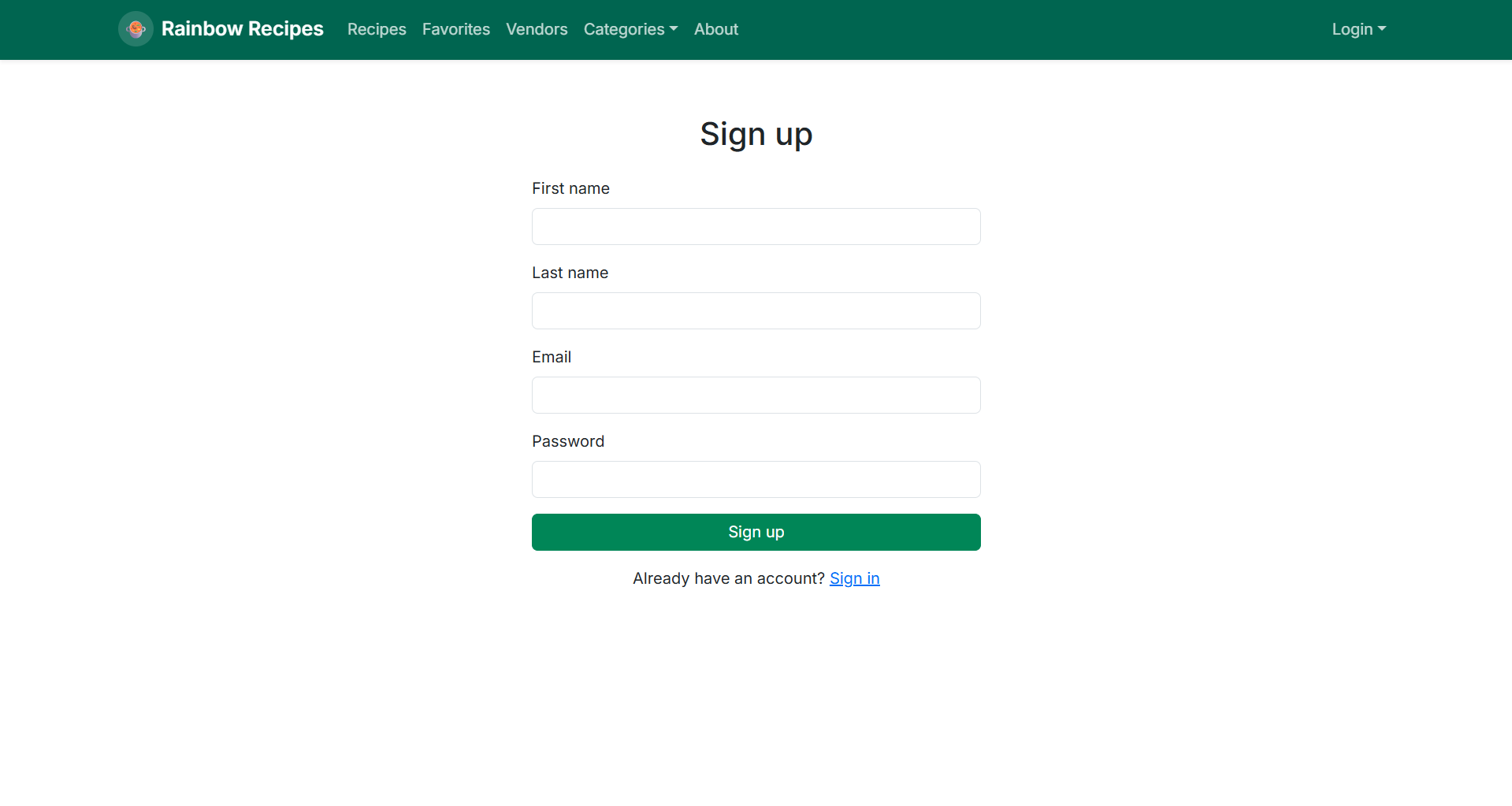
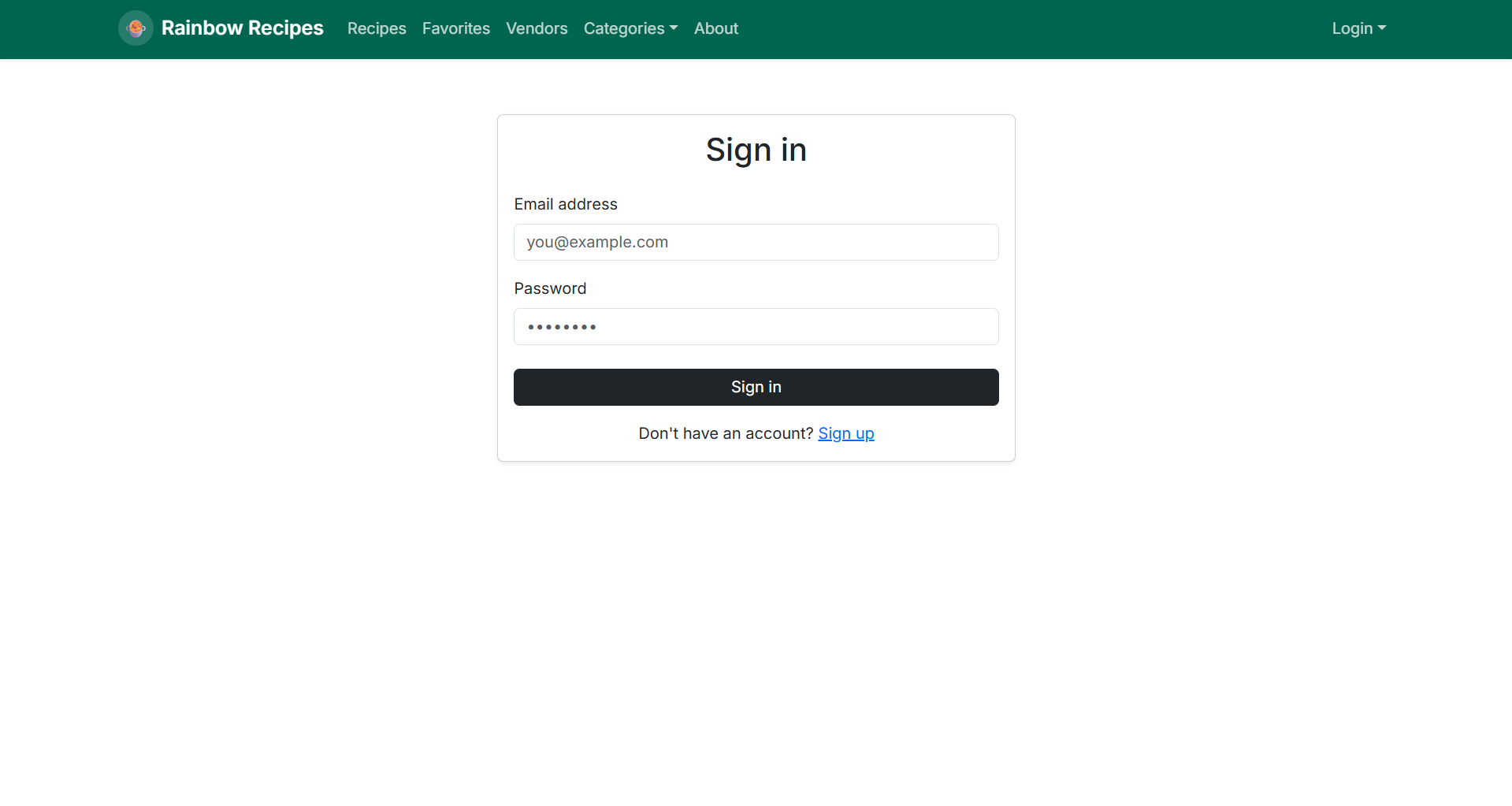
The log in / sign up page provides authentication functionality, allowing users to either access an existing account or create a new one to unlock all of the application’s features.
Home Pages
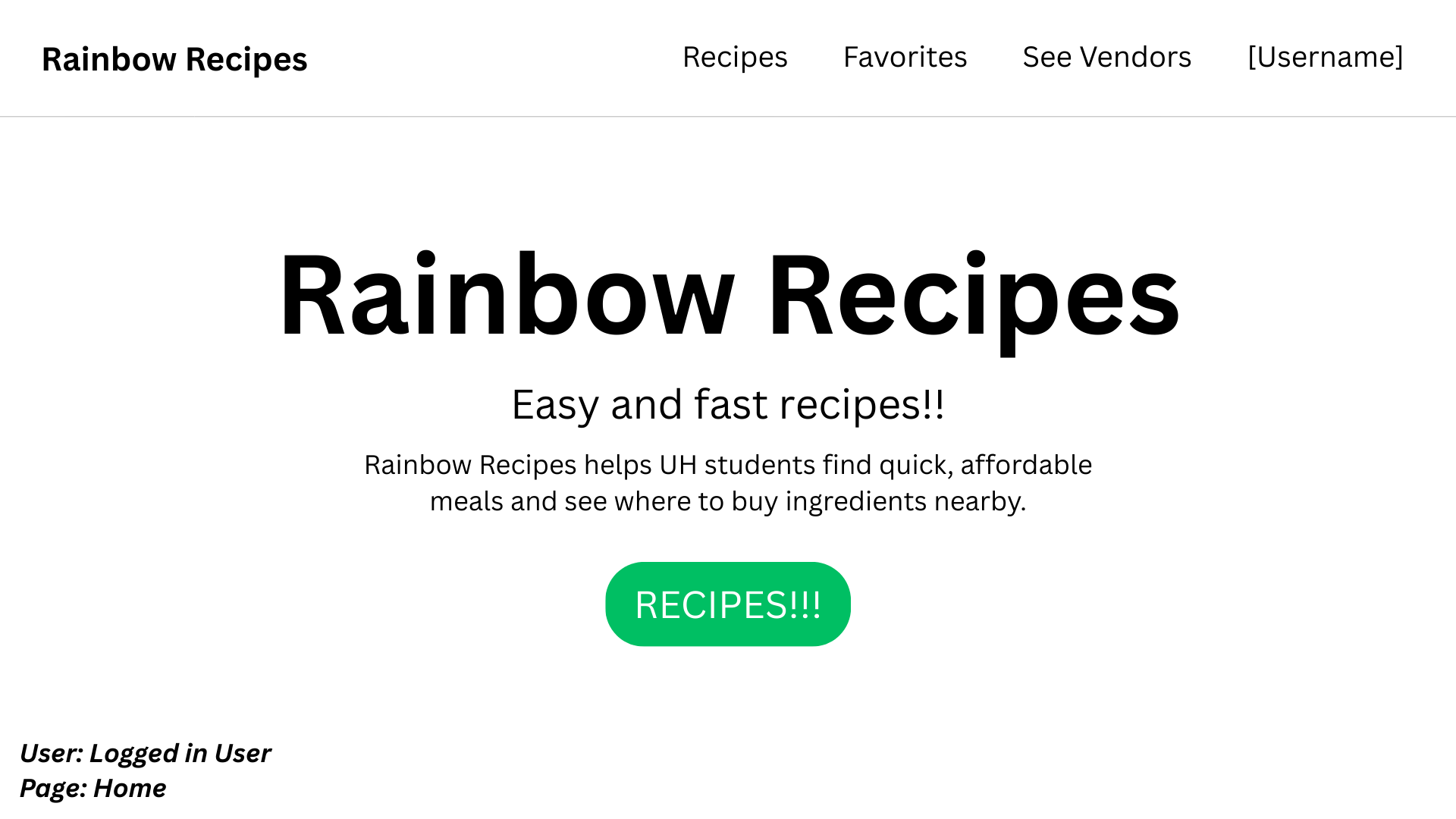
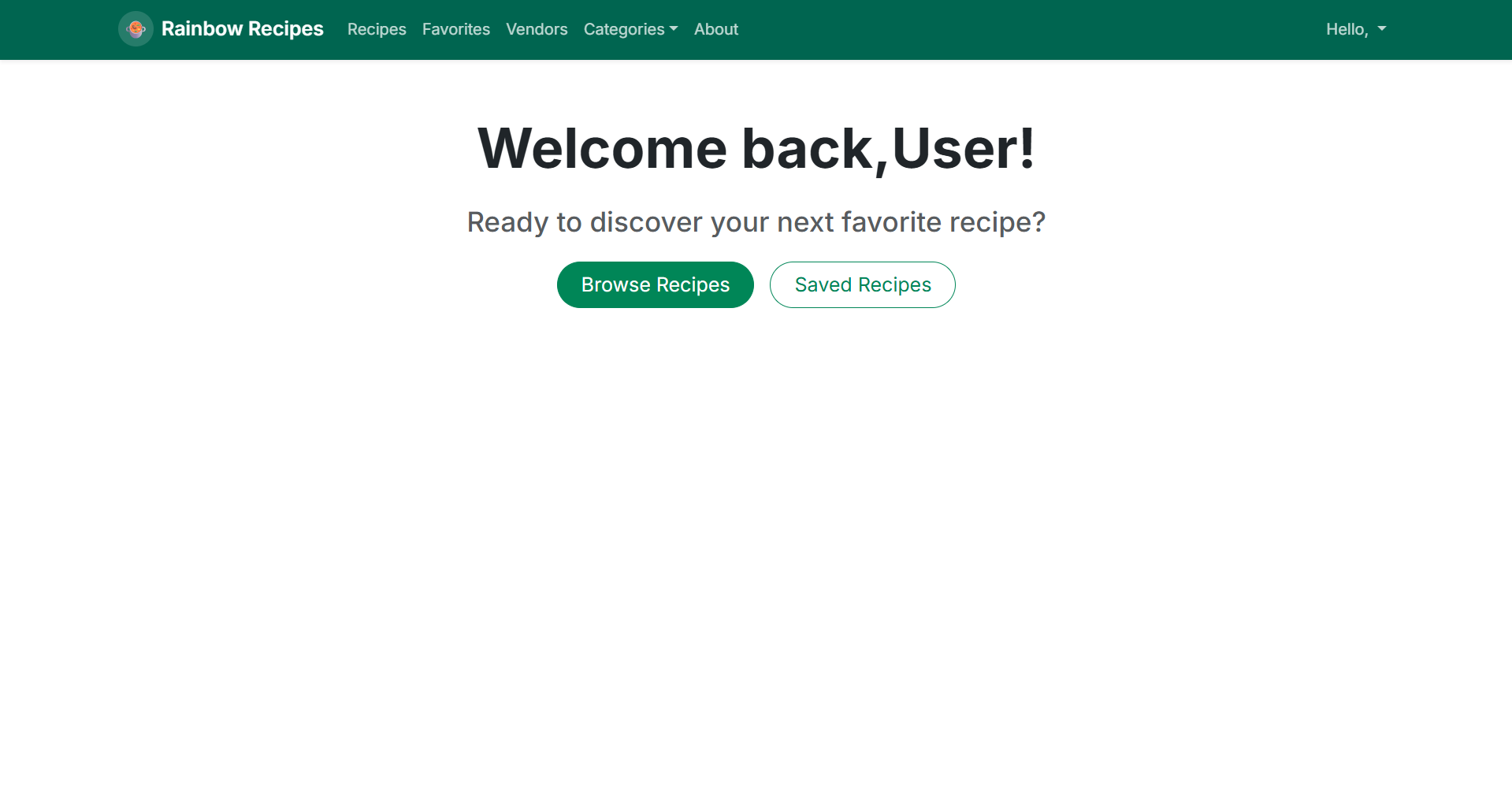
The home page will differ slightly for each user.
A regular, logged in user will have a Recipes, Favorites, and See Vendors tab in the navigation.
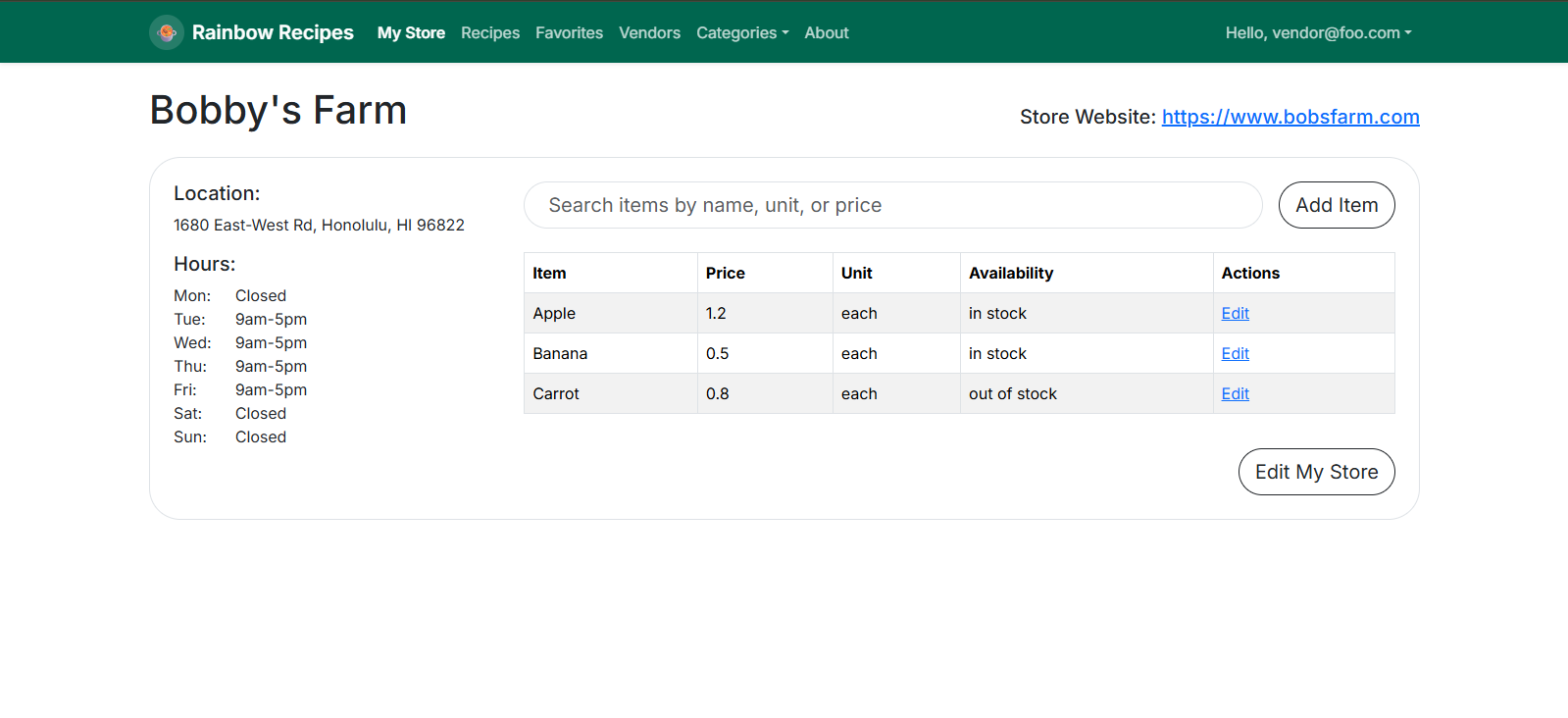
A vendor will have a My Store, Recipes, Favorites, and See Vendors tab in the navigation. The My Store page will allow a vendor to add / update their stock.
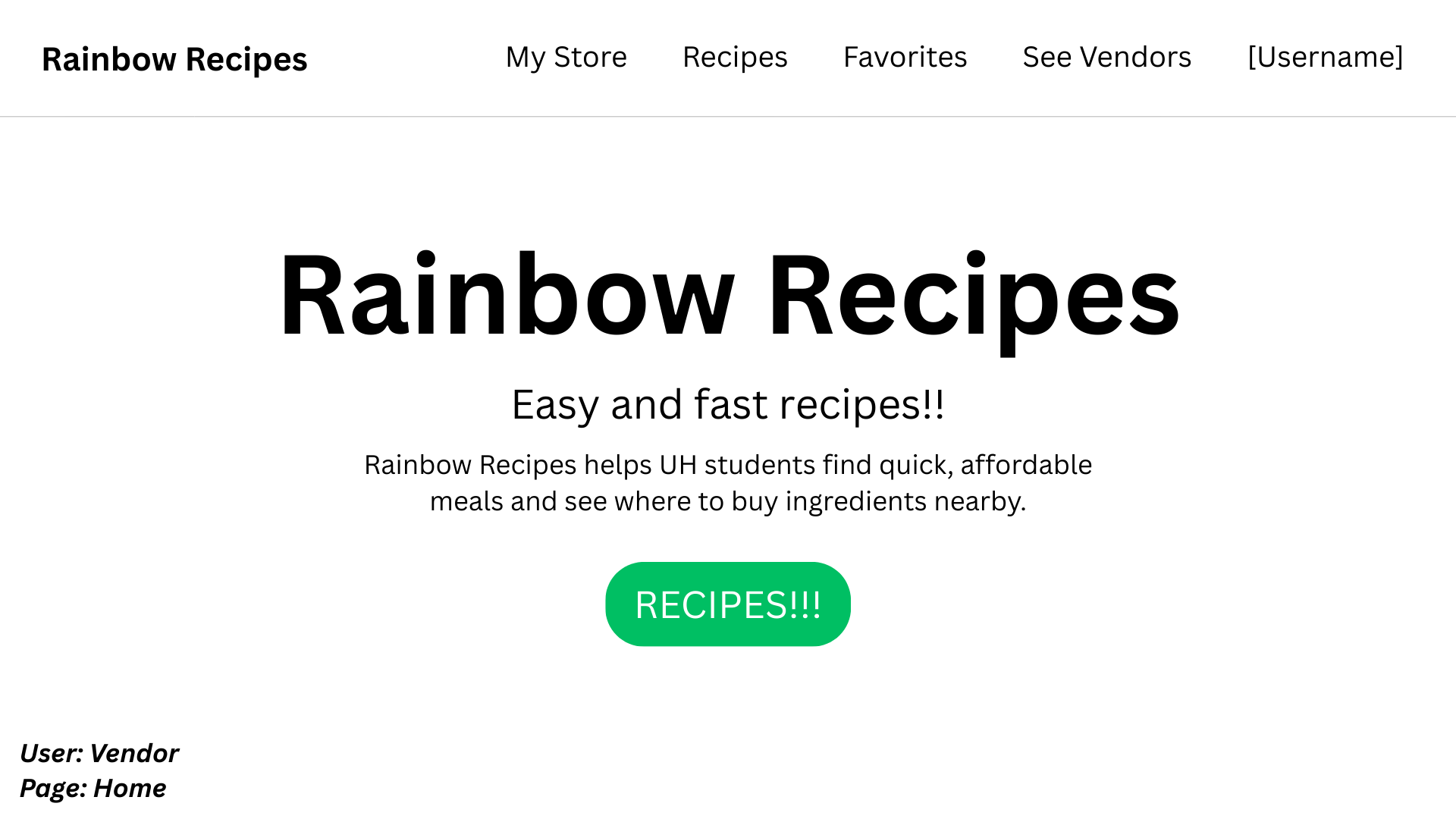
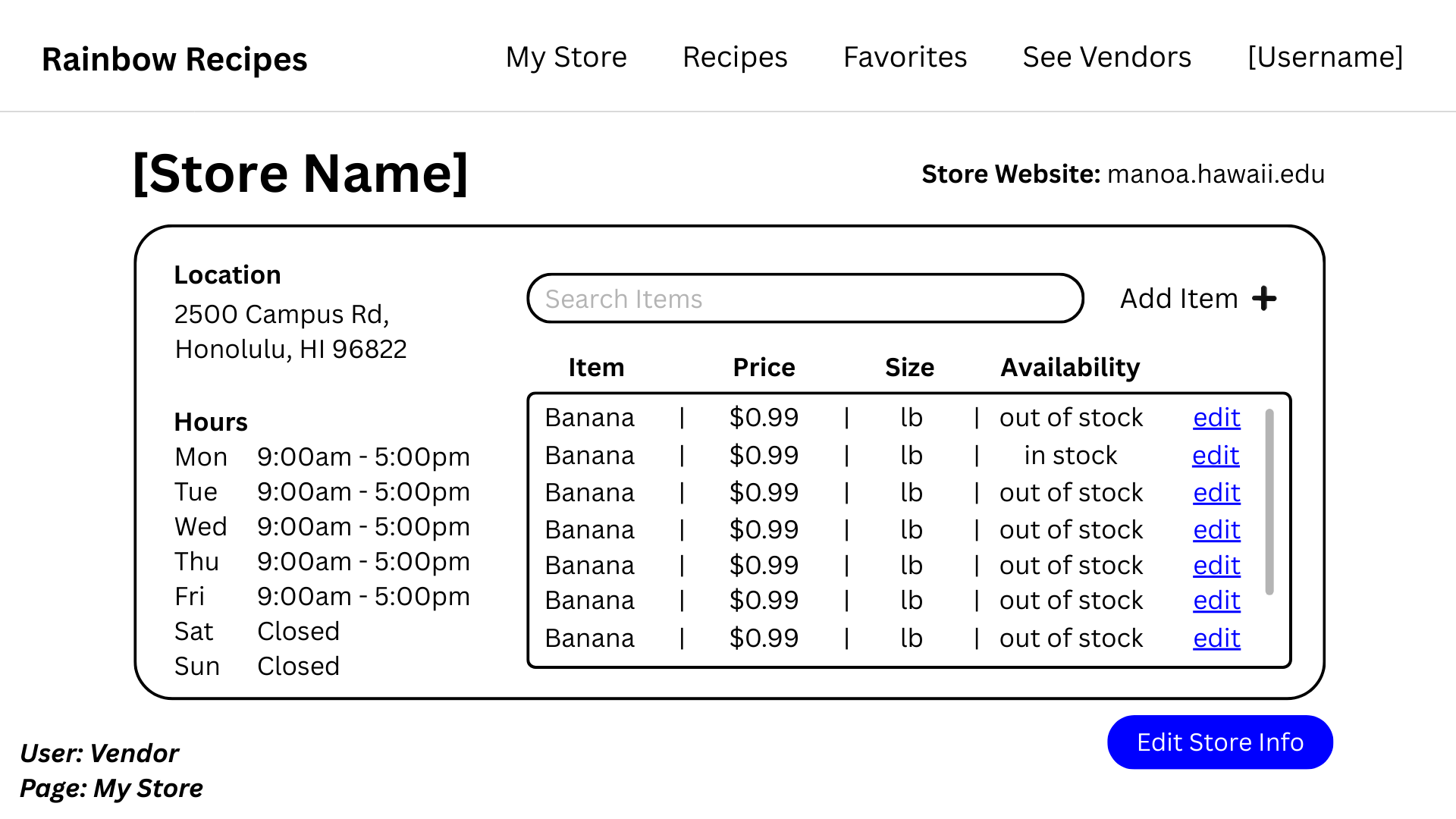
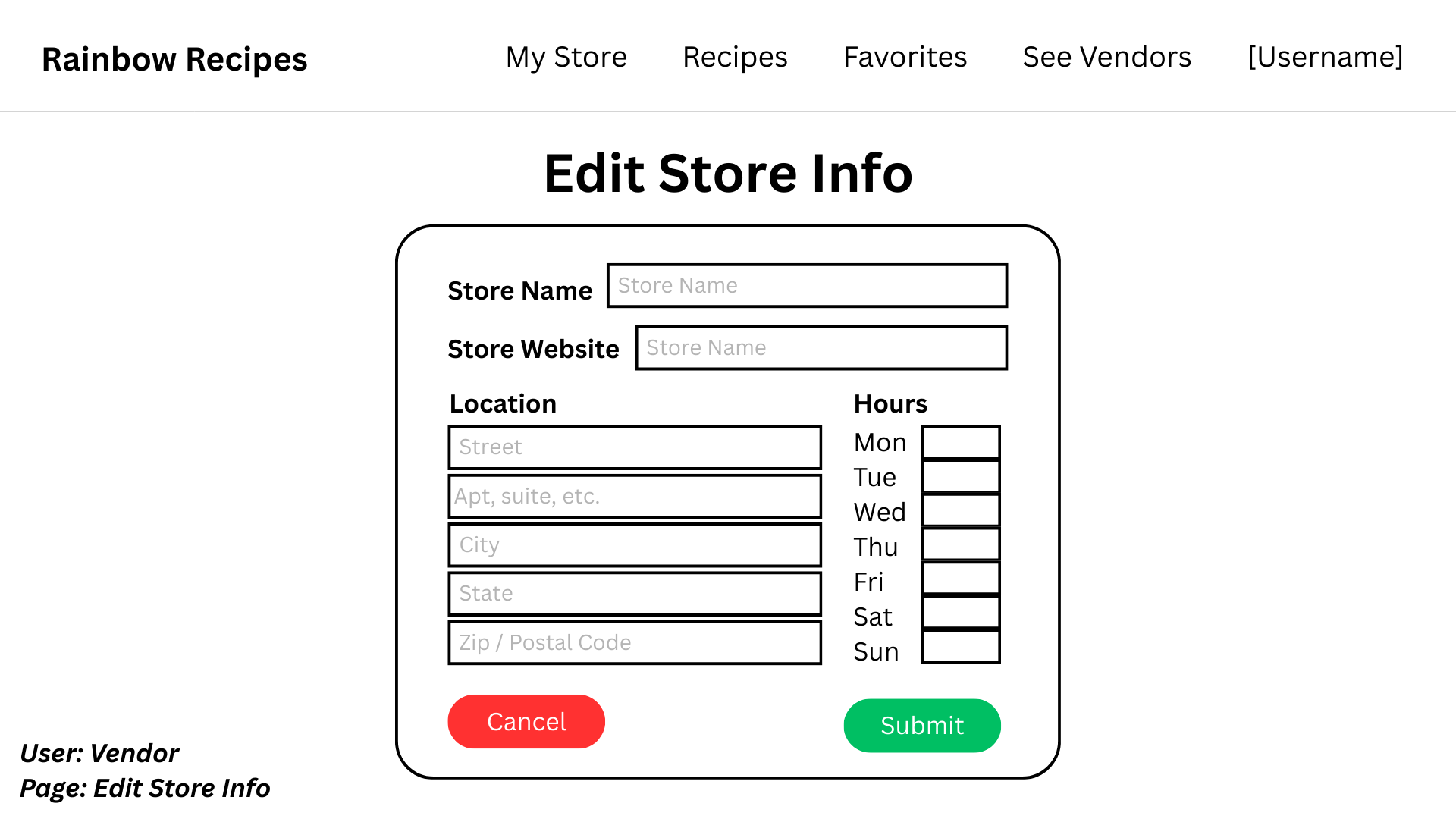
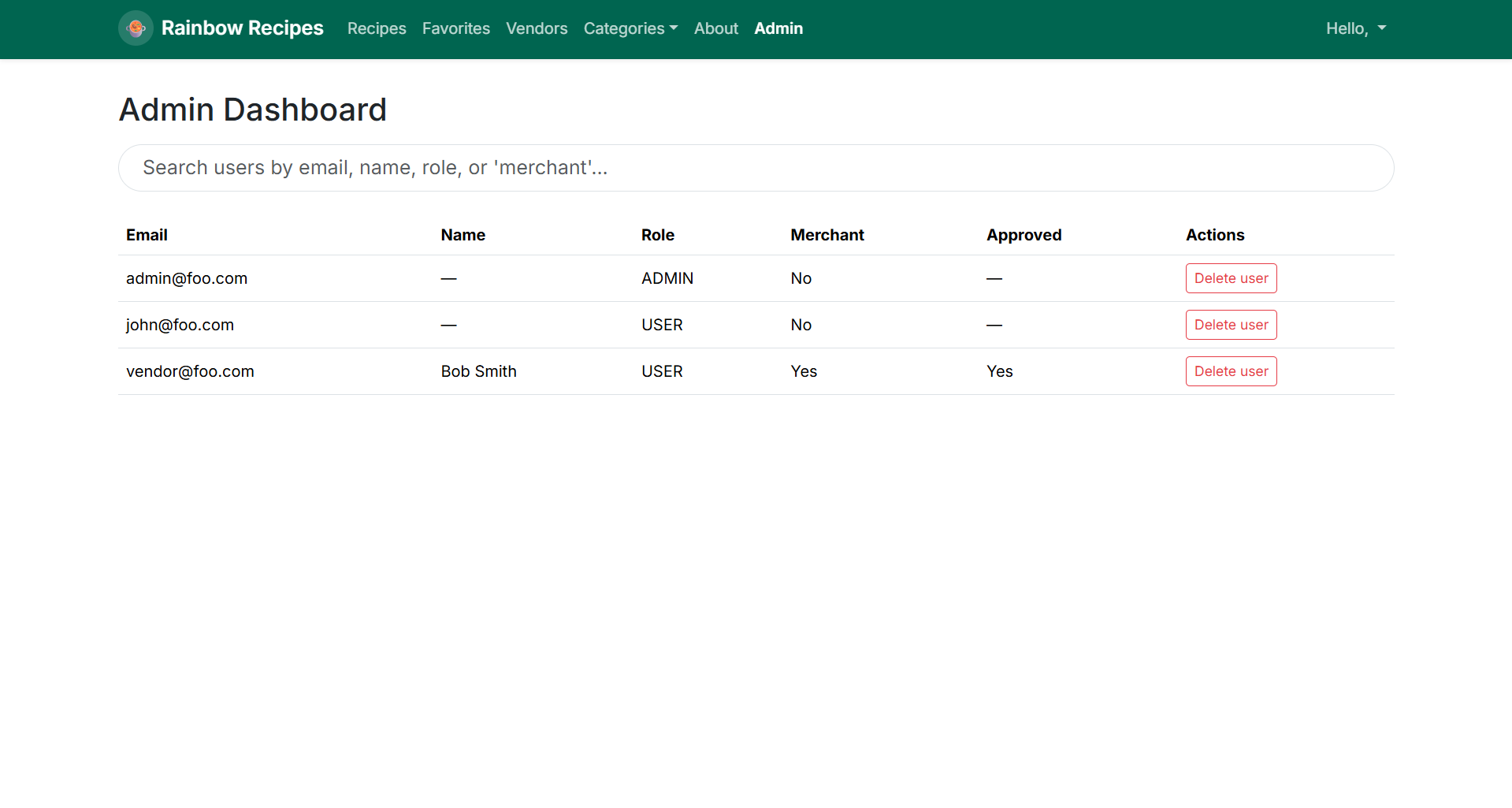
An admin will have an Admin, Recipes, Favorites, and See Vendors tab in the navigation. The Admin page will show all users, vendors, and recipes.
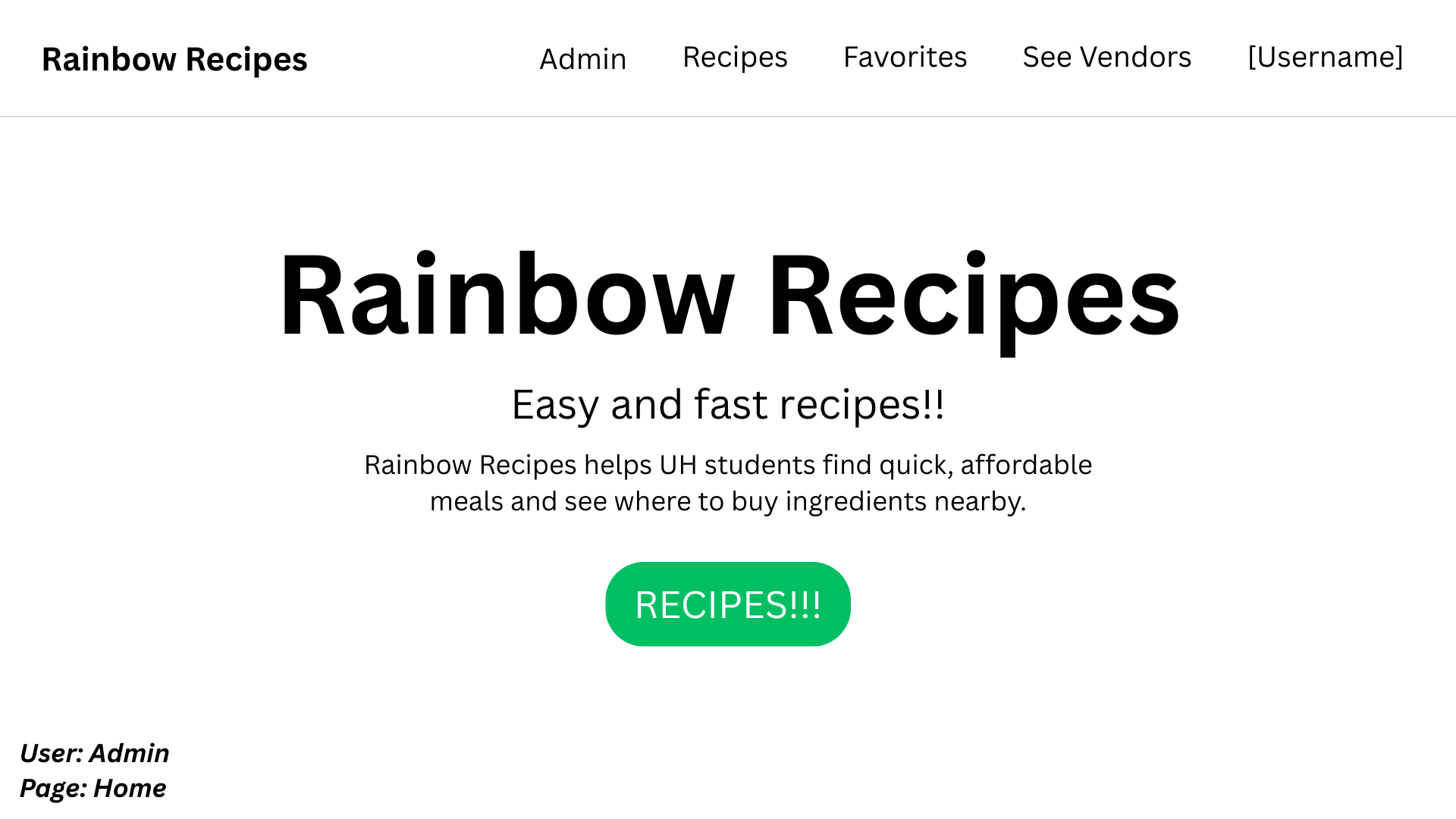
Recipes Page
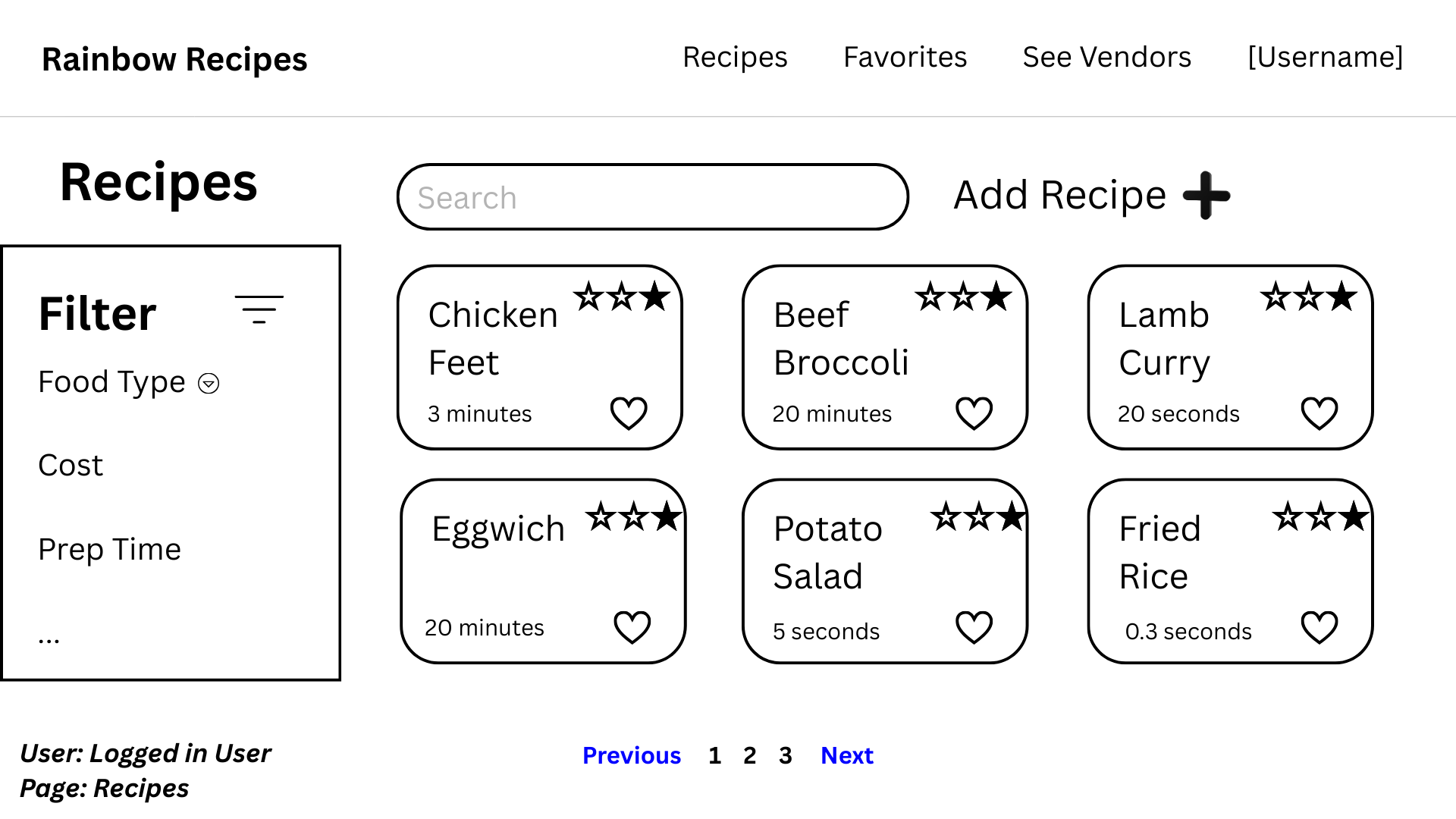
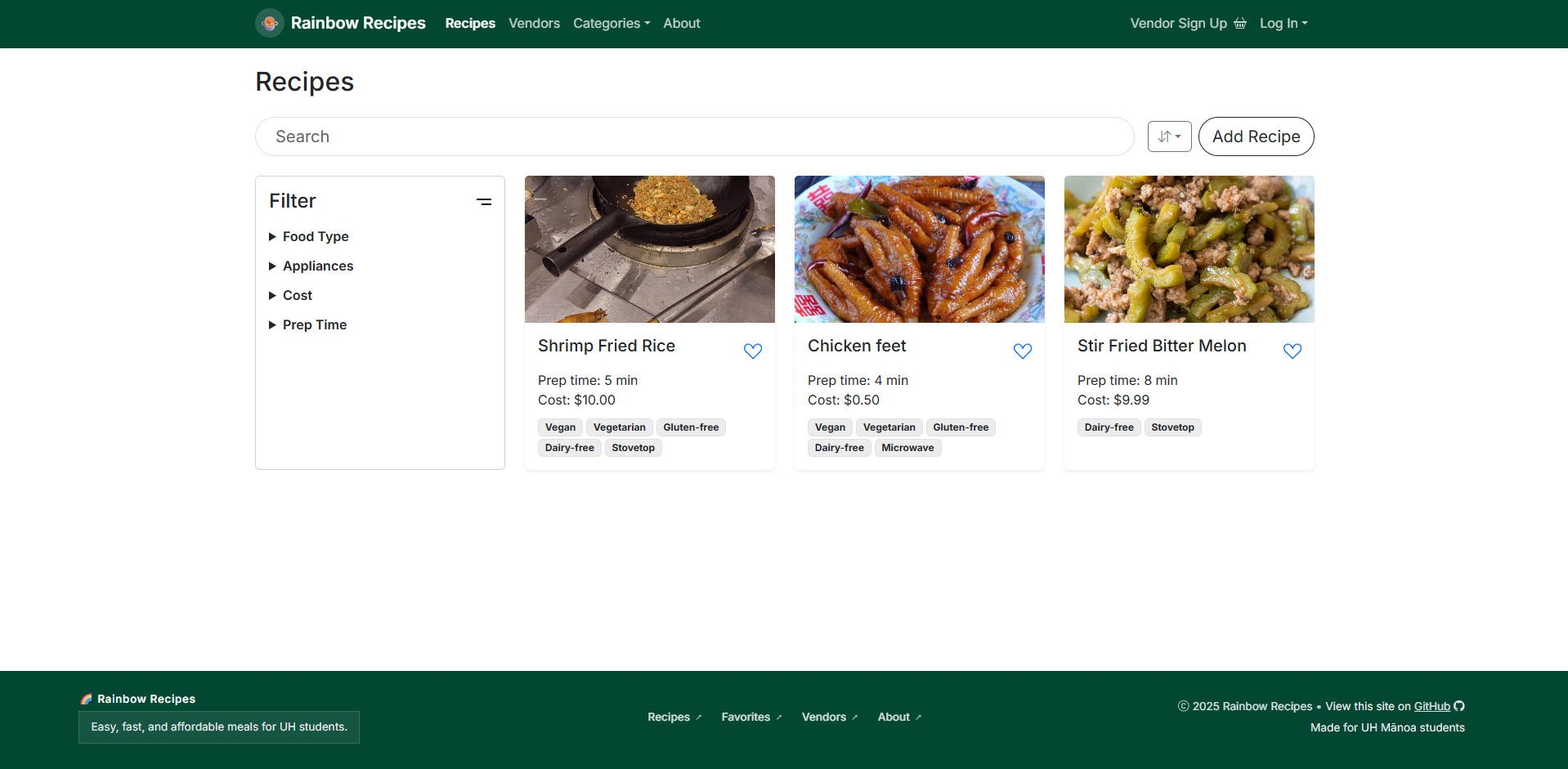
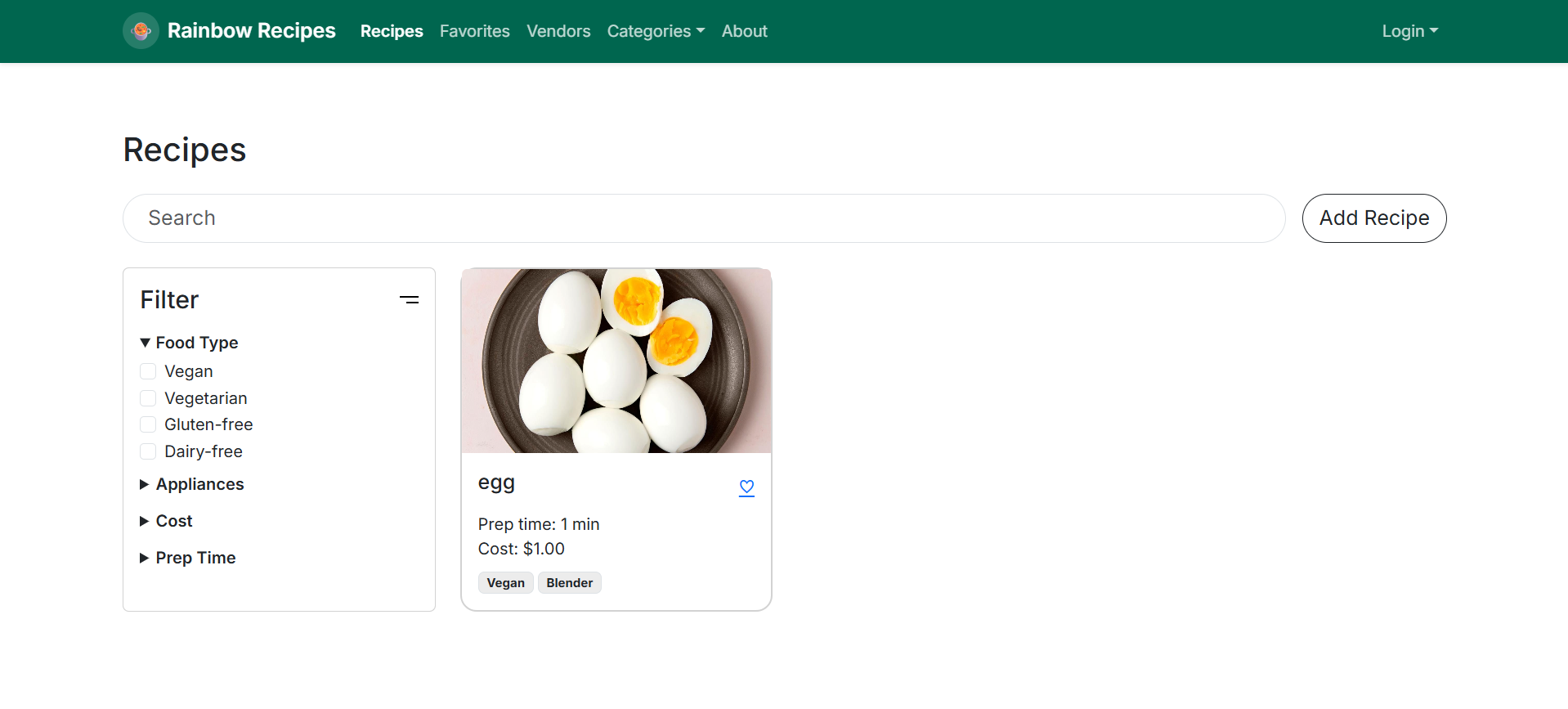
Recipes will be shown in a grid format each including the name, estimated time to finish, a favorite button, and the rating. A filter and search will be included to make finding specific recipes easier. Users will also be able to add their own recipes.
Add Recipe Page
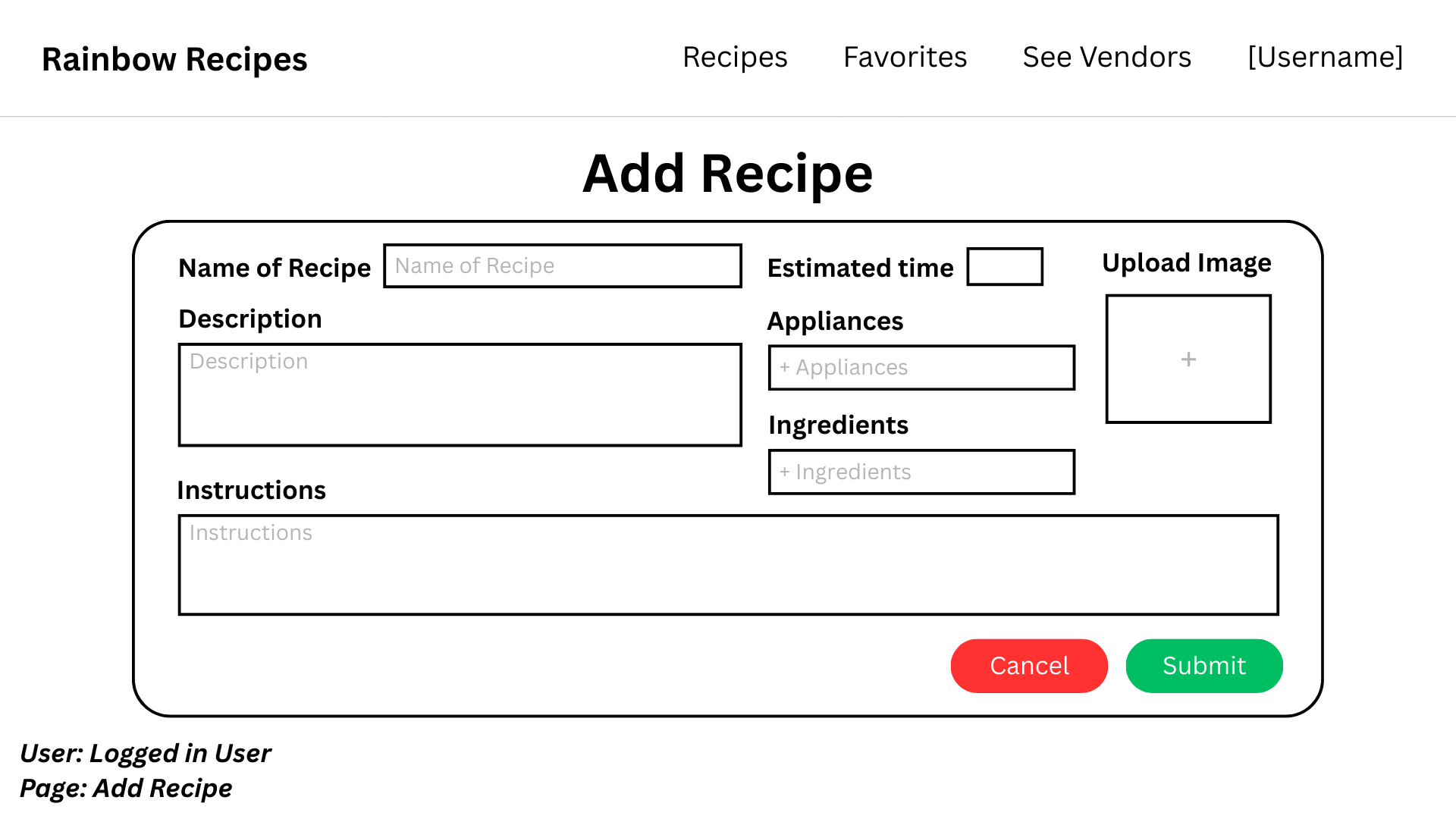
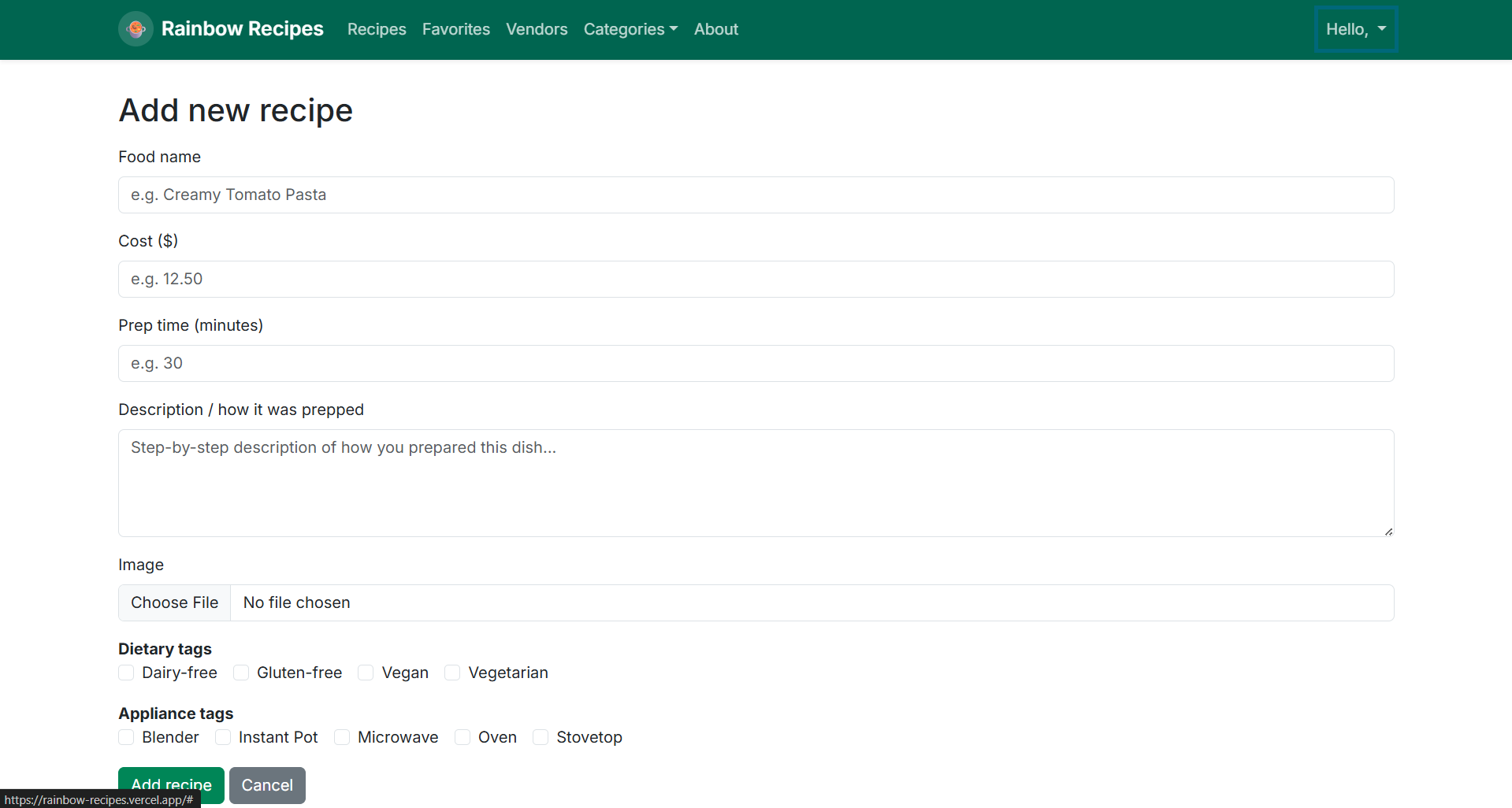
Logged in users will be able to add their own recipes through a form. They will provide the name of the recipe, the estimated time, ingredients, appliances, an image, and instructions.
Use Cases
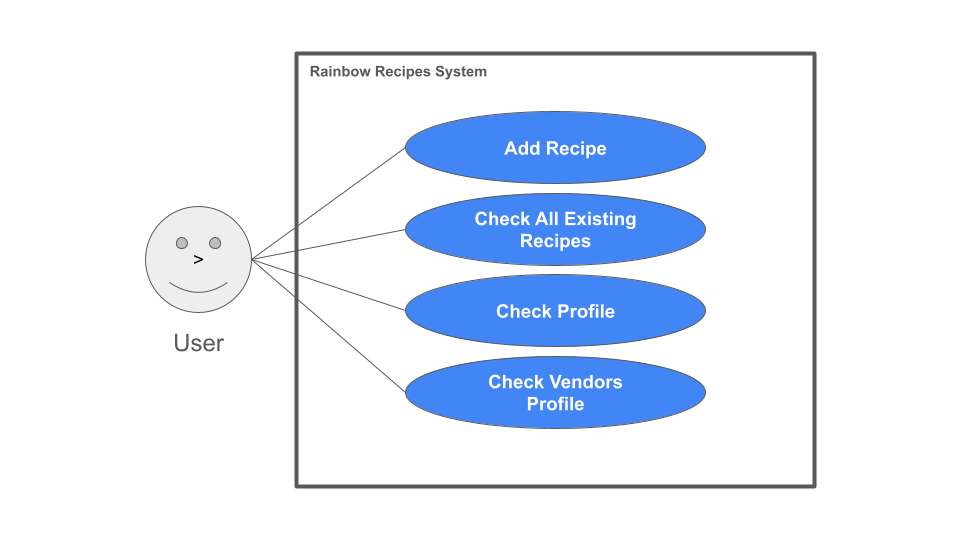
User
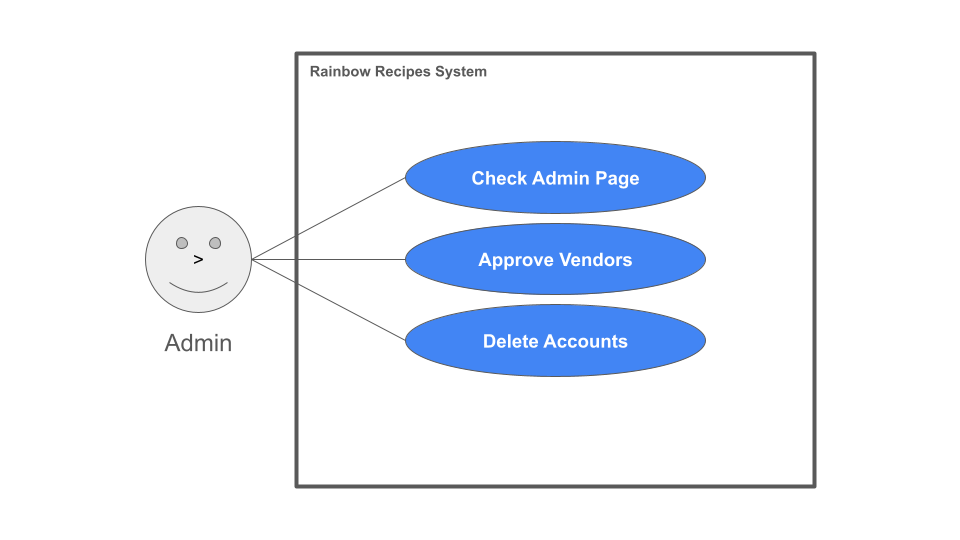
Admin
Vendor
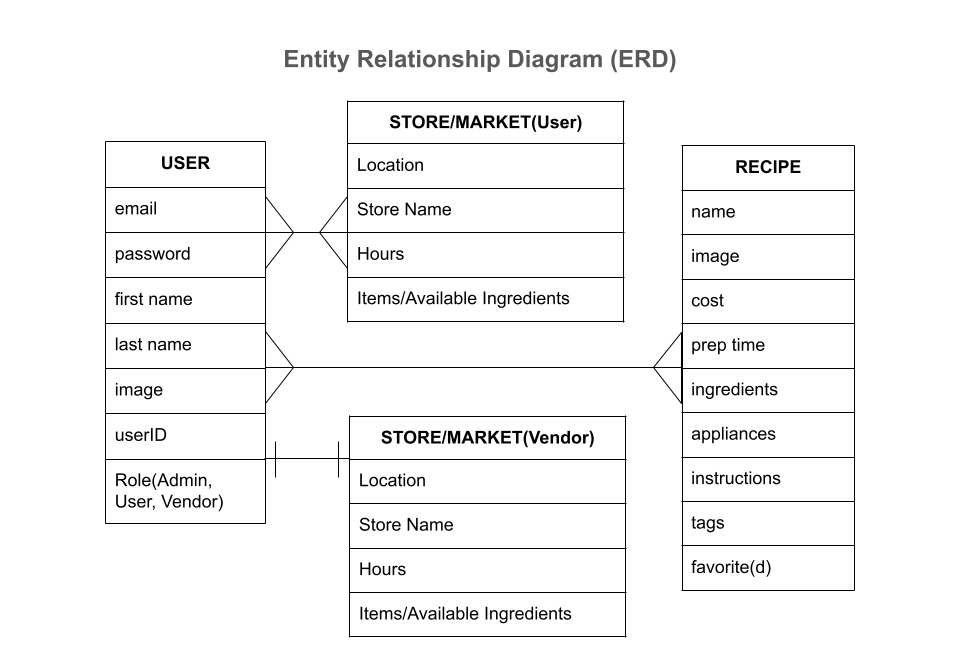
Entity Relationship Design
Beyond the Basics
After implementing the basic functionality, here are ideas for more advanced features:
- Maps for locating vendors.
- Based upon open hours for vendors, indicate which ingredients can be bought right now.
- Ratings and review system for recipes.
- Ratings and review system for vendors.
- Notification system for vendors when new items are posted in recipes so they can update their listing to indicate whether they stock it or not.
- Notification system when price for a recipe drops substantially (i.e. a vendor puts an item on sale.)
Risks and Mitigations
- Poor Communication: Meeting twice a week with team members to discuss the project and progress of tasks. Discussing any concerns, disagreements, or new ideas.
- Scope Creep: Document changes in implementation and document possible future expectations. Address this to relevant parties to be able to adjust deadlines and other factors accordingly.
- Unclear Requirements: Make sure to ask clients for clear instructions and examples of what they want. Make sure the clients understand what is possible under their time constraints and budget.
- Poor Project Planning: Document everything you’re planning, split it into small, manageable parts, and use milestones.
- Technical Complexity: Ensure all team members have access to the software and hardware needed to build the project.
- Inadequate Team Skills: Survey technical skill sets beforehand; address any challenges that cannot be overcome even after personal time dedicated to problem-solving.
- Resource Constraints: Have a larger buffer in areas of high risk and high importance. Document any rising risks and maintain flexibility with resource reallocation.
User Guide
Landing Page
This is the landing page that all users see first. In the top left corner you can create an account or sign in. Prospective vendors may access the Vendor Sign Up page to fill out an application to be a vendor. In the navigation you can also access the Recipes page, Vendors page, and About page, as well as view different recipe categories.
Recipes Page
Here you can find all the recipes created by the UH community. On the left you can filter based on food type, appliances, cost, and preparation time. Click on the recipes to access the full instructions or click the heart to favorite it for later. You can aso search for a specific recipe at the top or add your own recipe.
Vendors Page
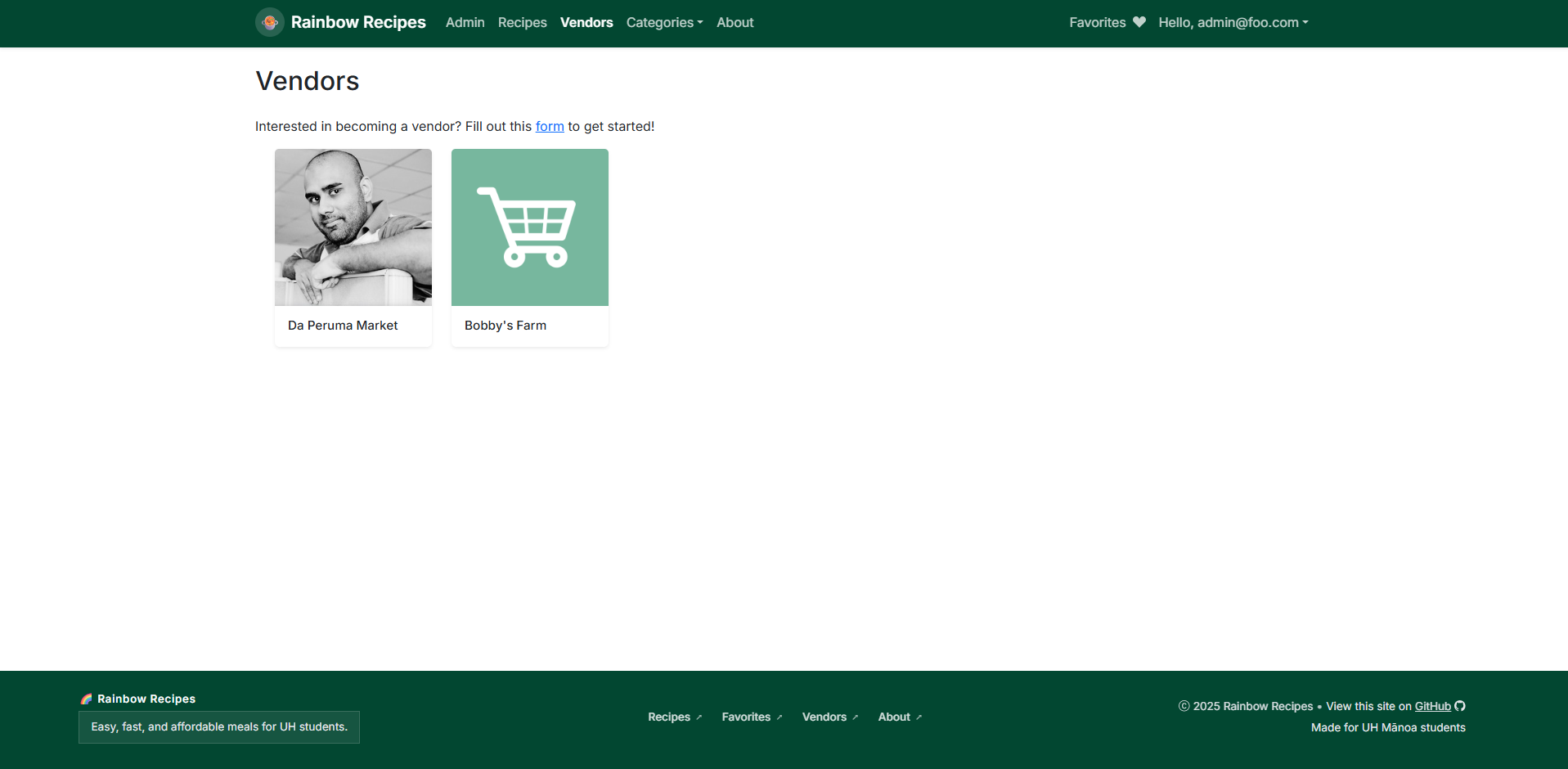
The Vendors page shows all the local vendors available for you to purchase ingredients from. Clicking the card for the vendor will lead you to the individual vendor’s page.
Vendor Store Page
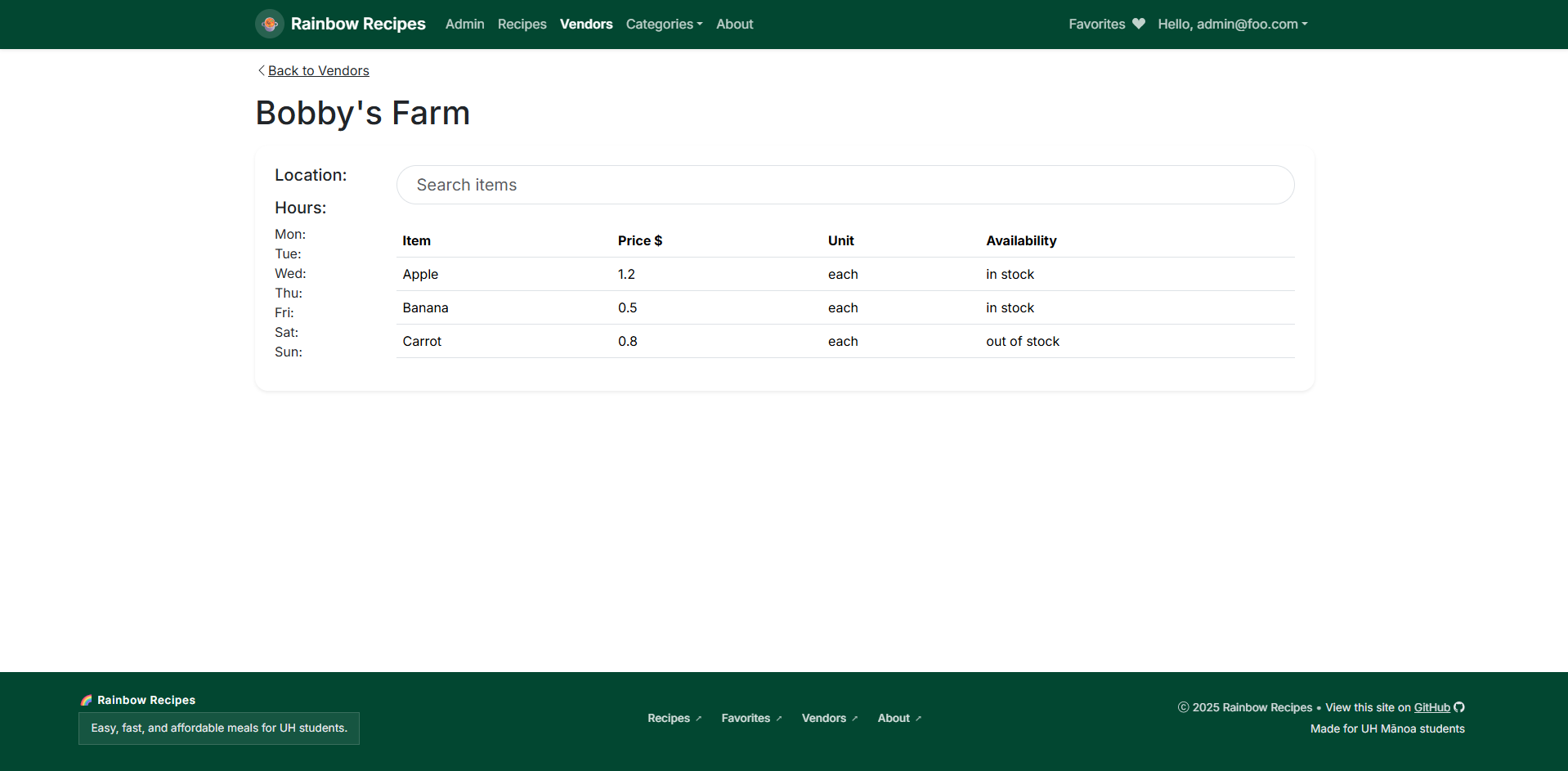
In this page you can find the the opening hours and groceries that this vendor sells wiht their prices and availability.
Vendor Map Page
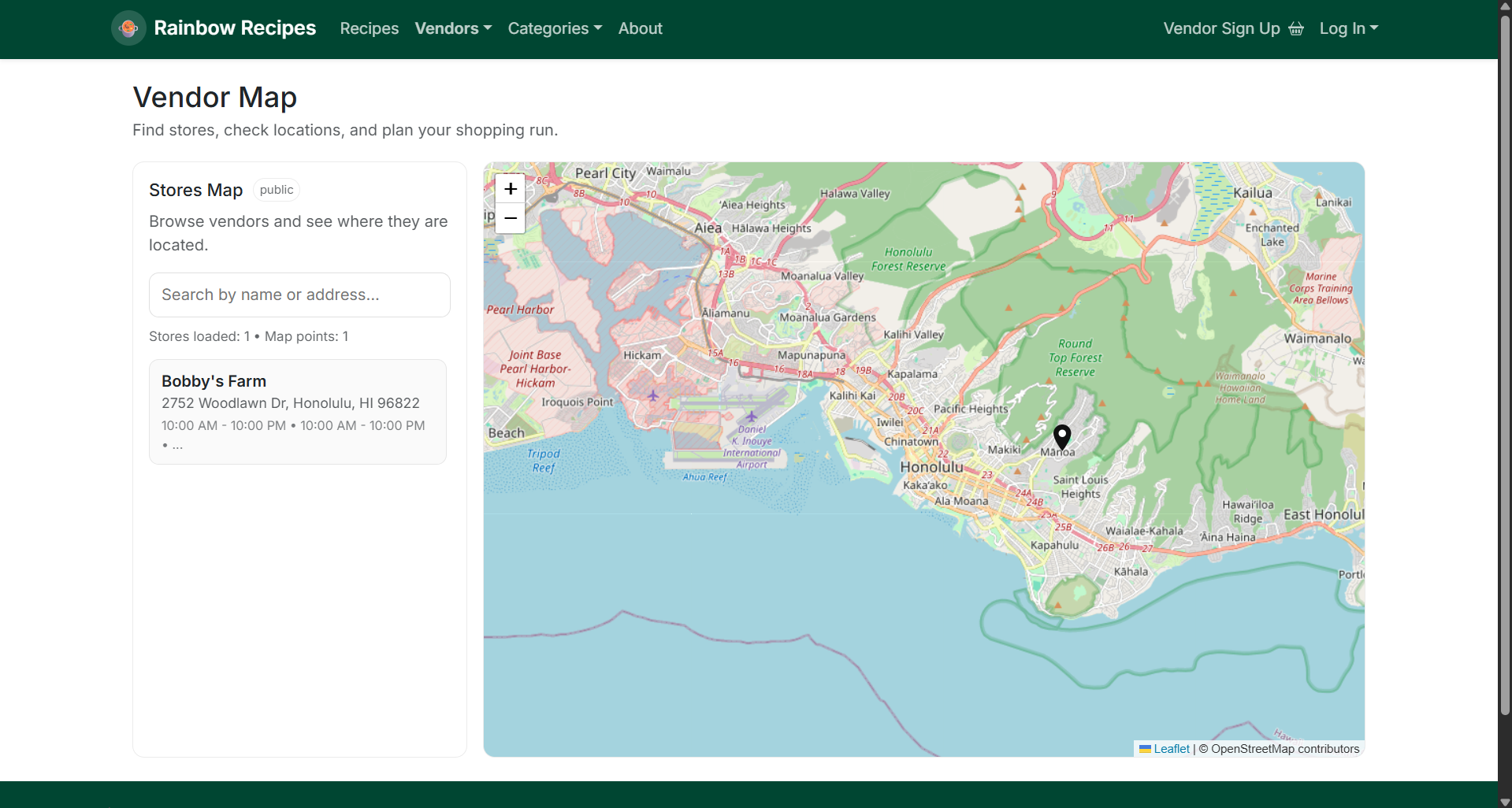
This page shows all vendors in your area as well as their opening hours.
About Page
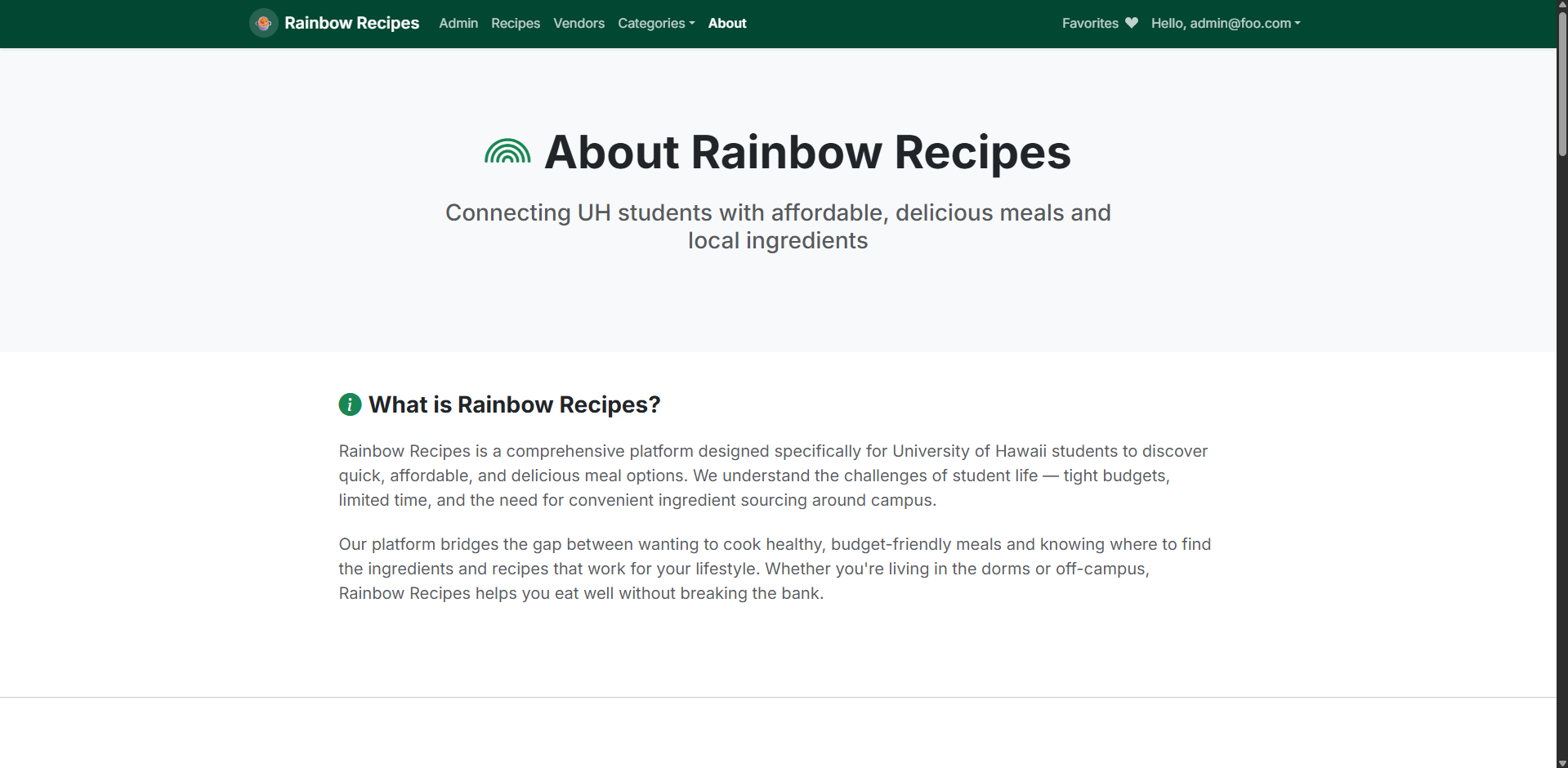
The About page includes information about how this project came to be and it’s purpose.
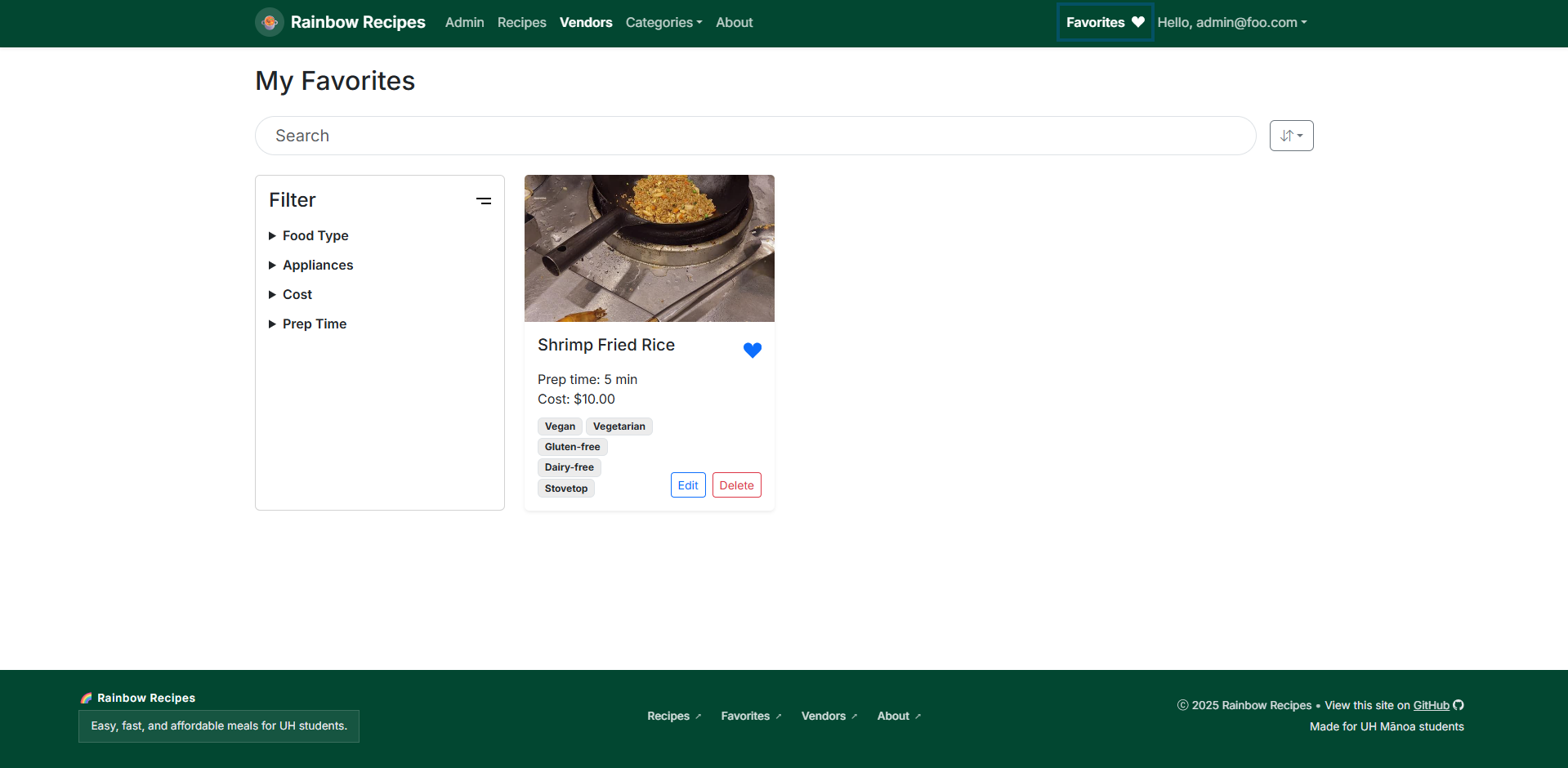
Favorites Page
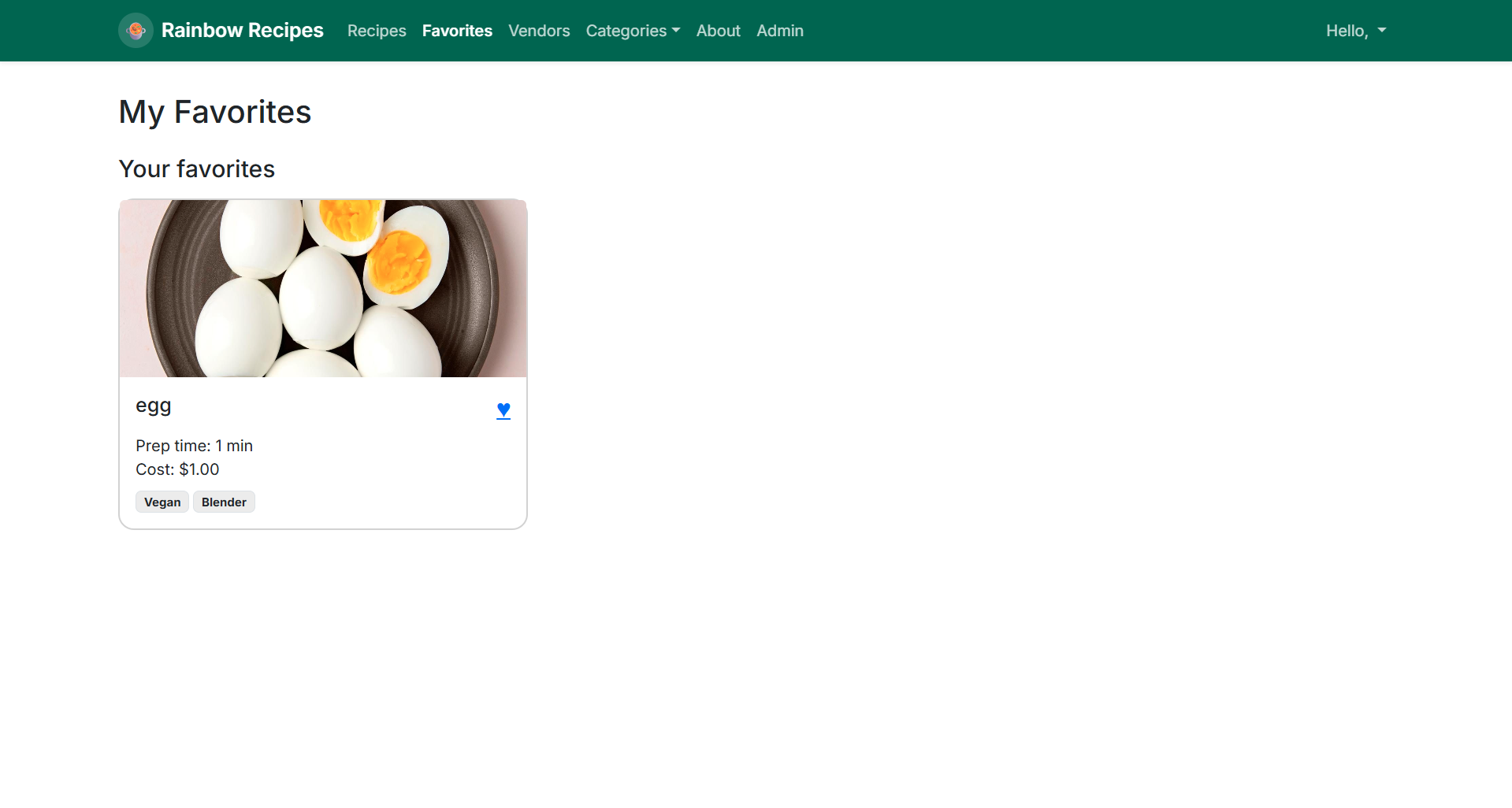
In the Favorites page you can see all the recipes you have favorited.
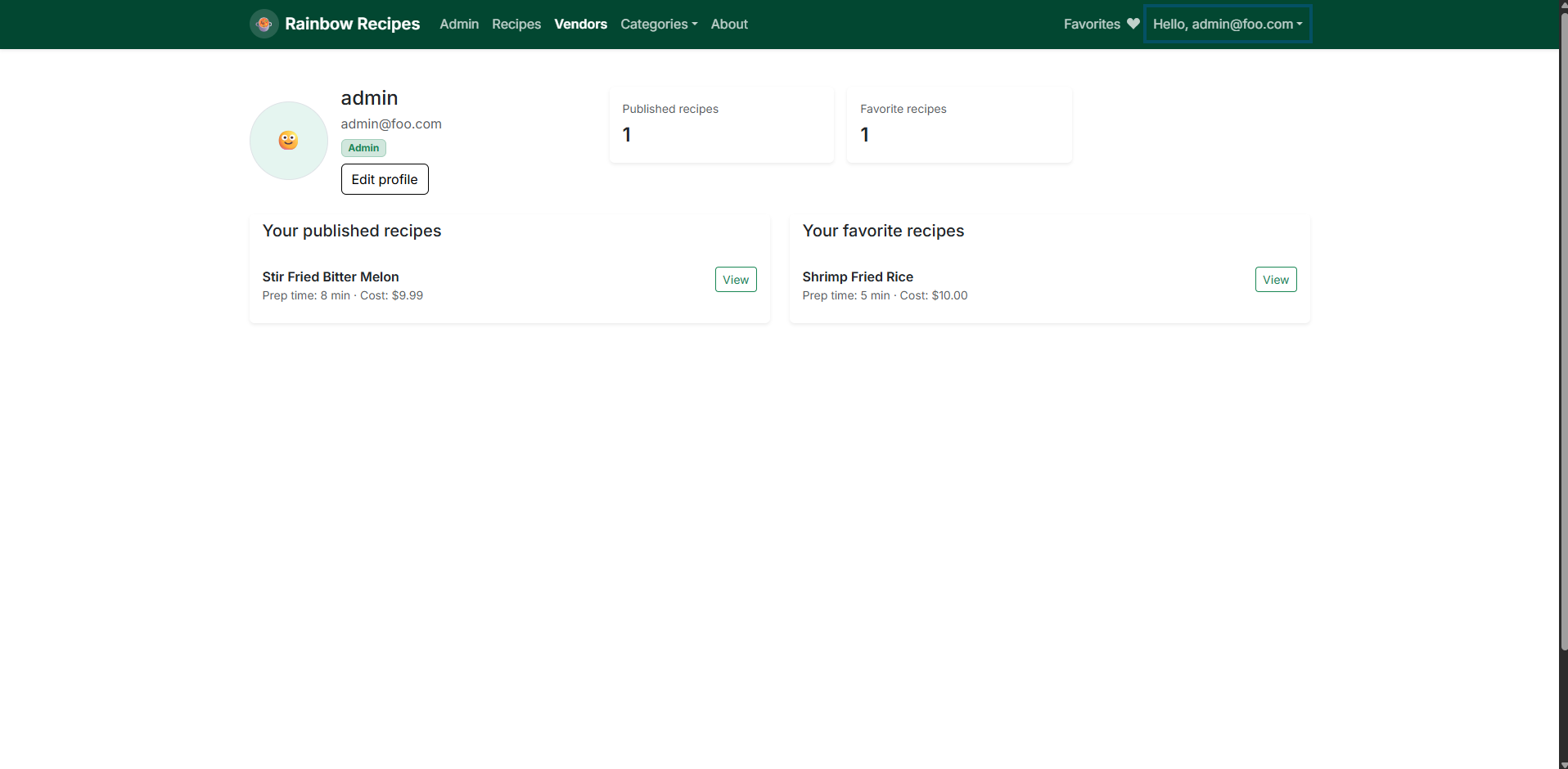
Profile Page
The Profile page is where you can see your personal data as well as edit your profile.
Developer Guide
Installation
Download and install PostgreSQL here.
Then create a database using the command,
$ createdb rainbowrecipes
Cloning the Repository
Clone the repository
$ git clone https://github.com/rainbow-recipes/rainbow-recipes.git
After cloning install the necessary dependencies
$ cd rainbow-recipes
$ npm install
Linking to your database
Make a copy of the sample.env file and rename it to .env, then set the database URL to point to the database you made in the installation step.
DATABASE_URL="postgresql://username:password@localhost:5432/rainbowrecipes"
Change your datasource in /prisma/schema.prisma to use the right database url
datasource db {
  provider = "postgresql"
  // for local development
  url      = env("DATABASE_URL")
  // for Vercel
  // url       = env("POSTGRES_PRISMA_URL")
  // directUrl = env("POSTGRES_URL_NON_POOLING")
}
Running Locally
To run the webpage locally,
$ npm run dev
The webpage will ran at http://localhost:3000
Progression
Effort Estimation
Milestone 1
Guest Landing Page
User Landing Page
Sign Up & Sign In Page
Recipes Page
Add Recipe Page
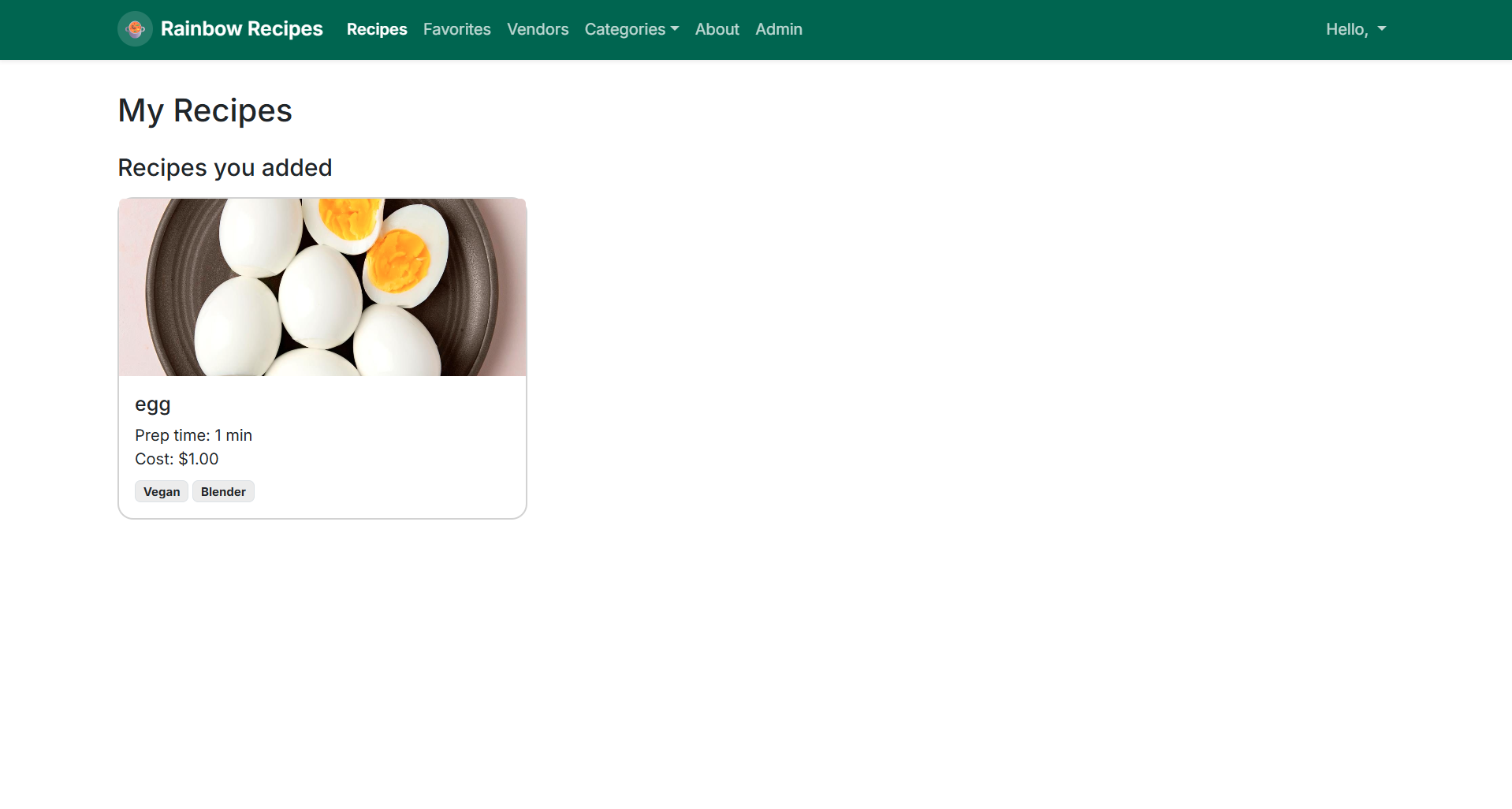
User’s Recipe Page
User’s Favorites Page
Vendor’s My Store Page
Admin Page
Milestone 2
About Page
Vendors Page
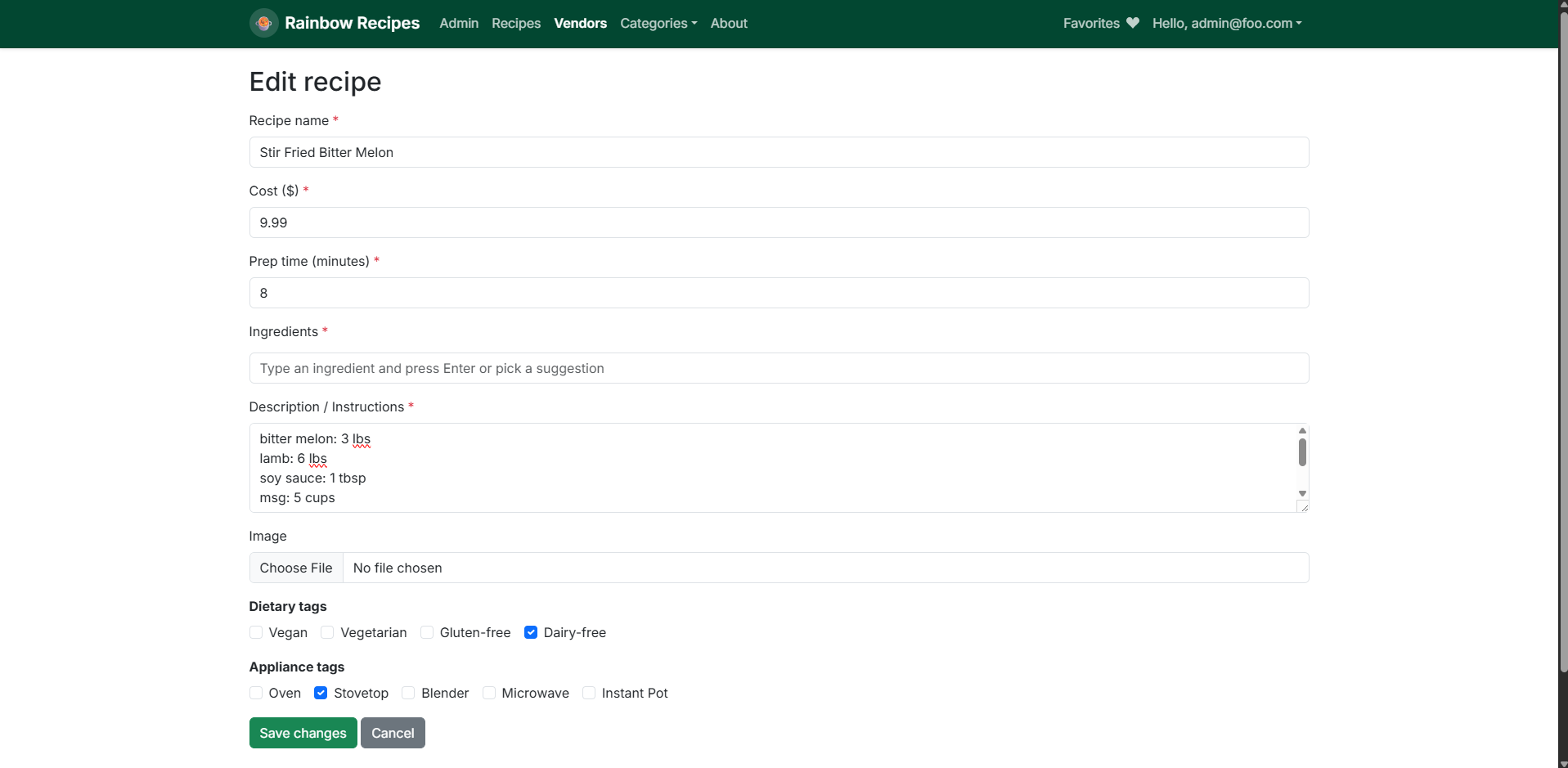
Edit Recipe Page
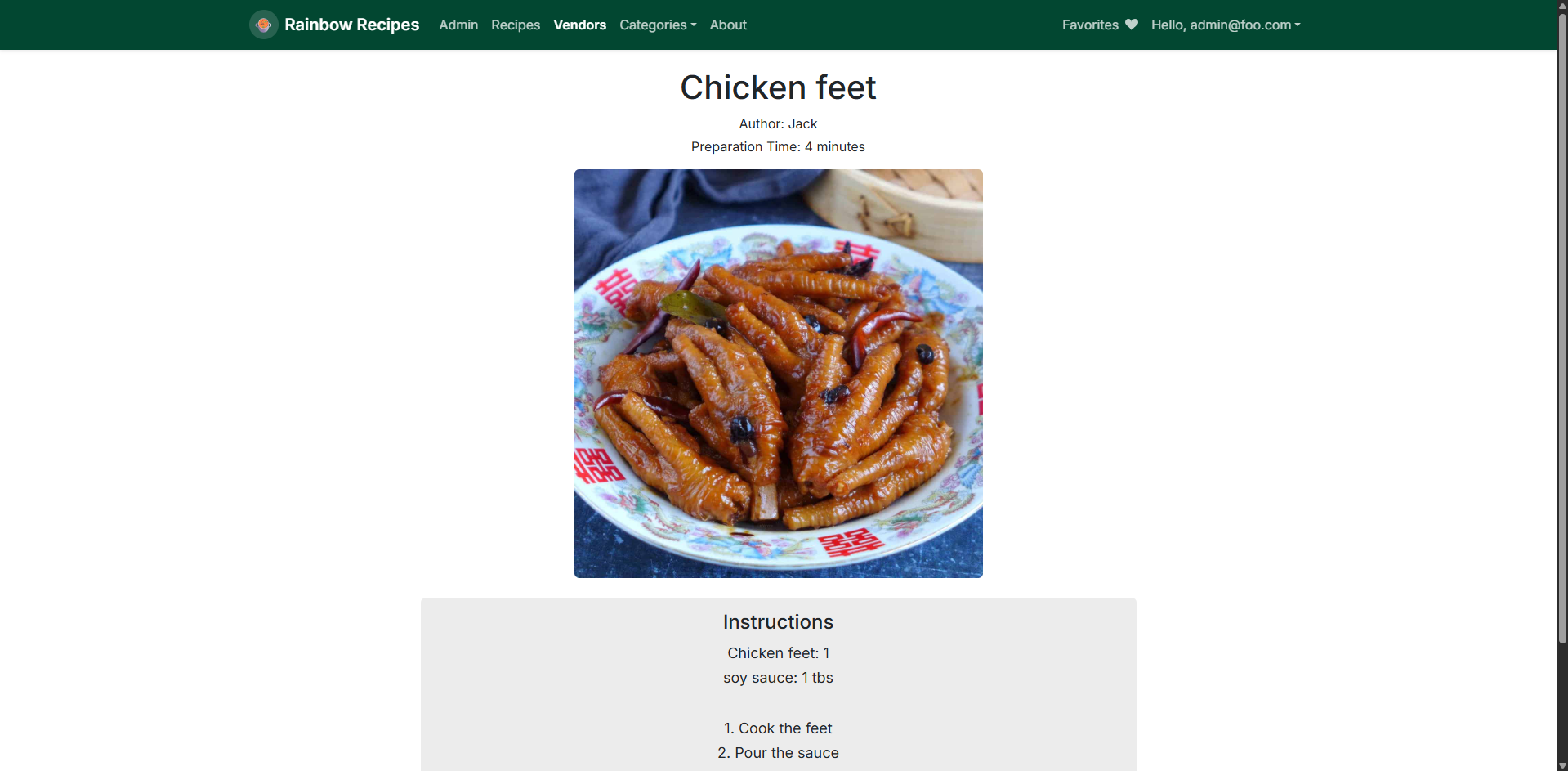
Detailed Recipe Page
Profile Page
Vendor Store Page
Milestone 3
I’m Feeling Lucky Page

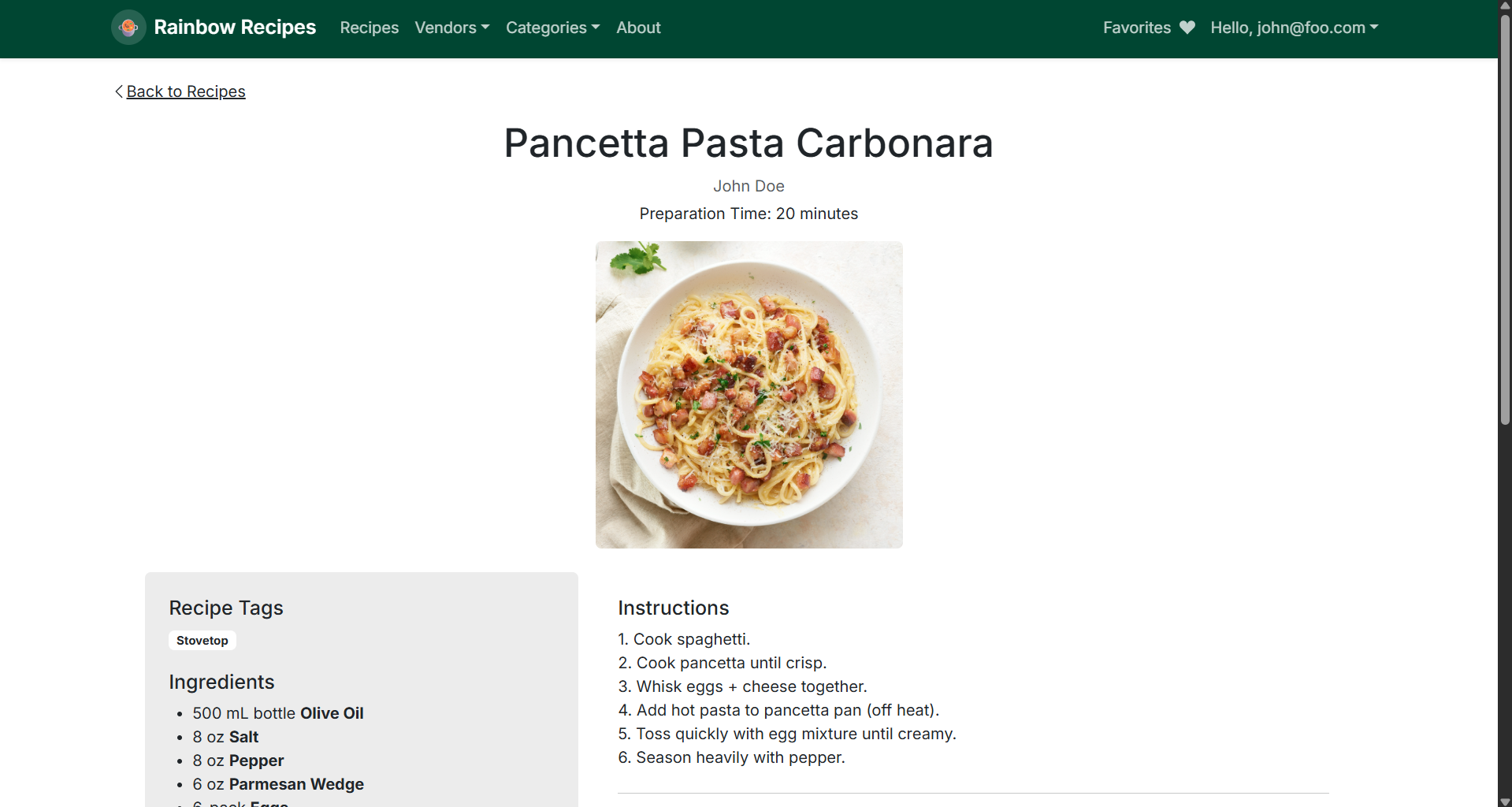
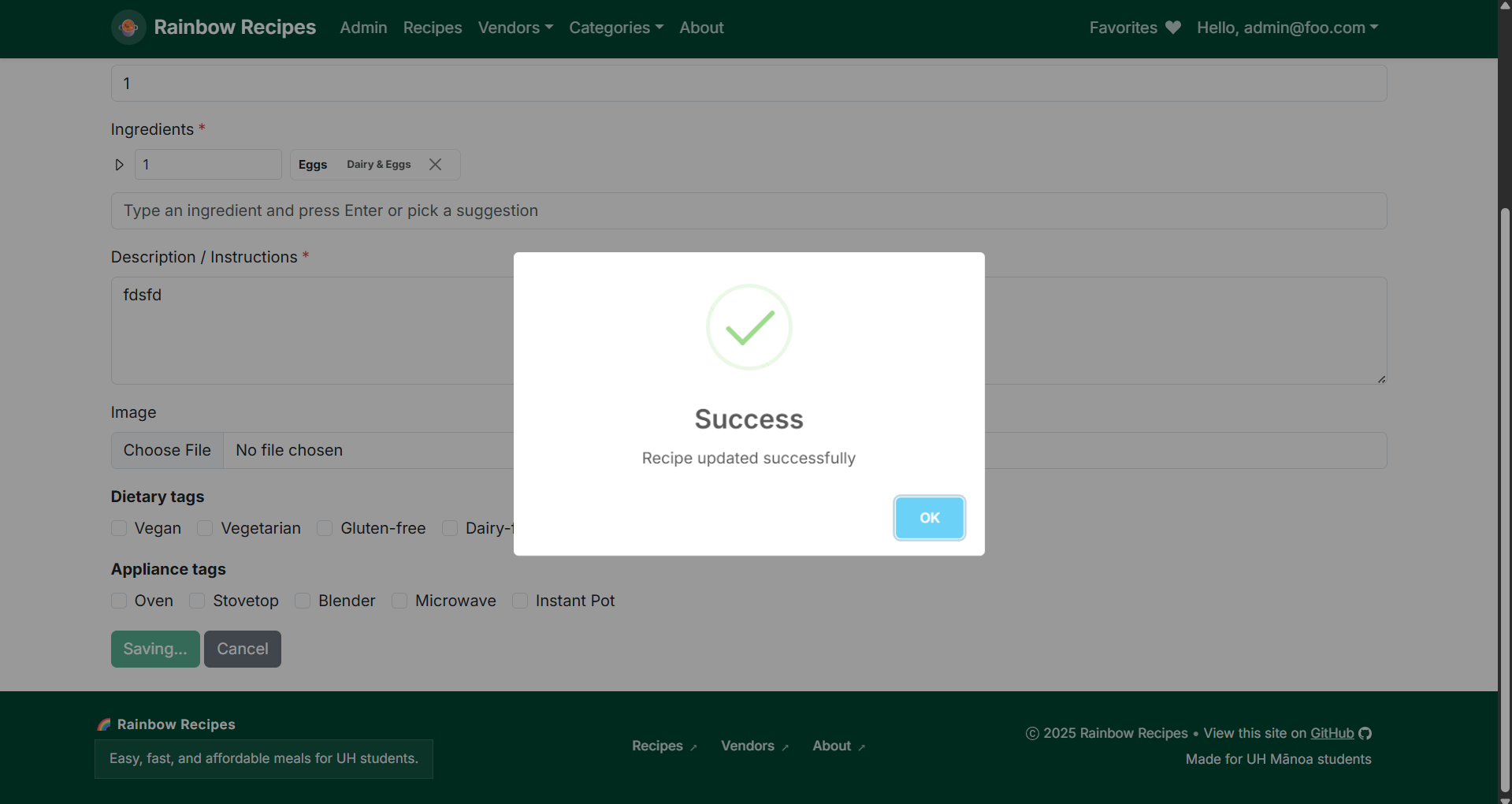
Success Messages
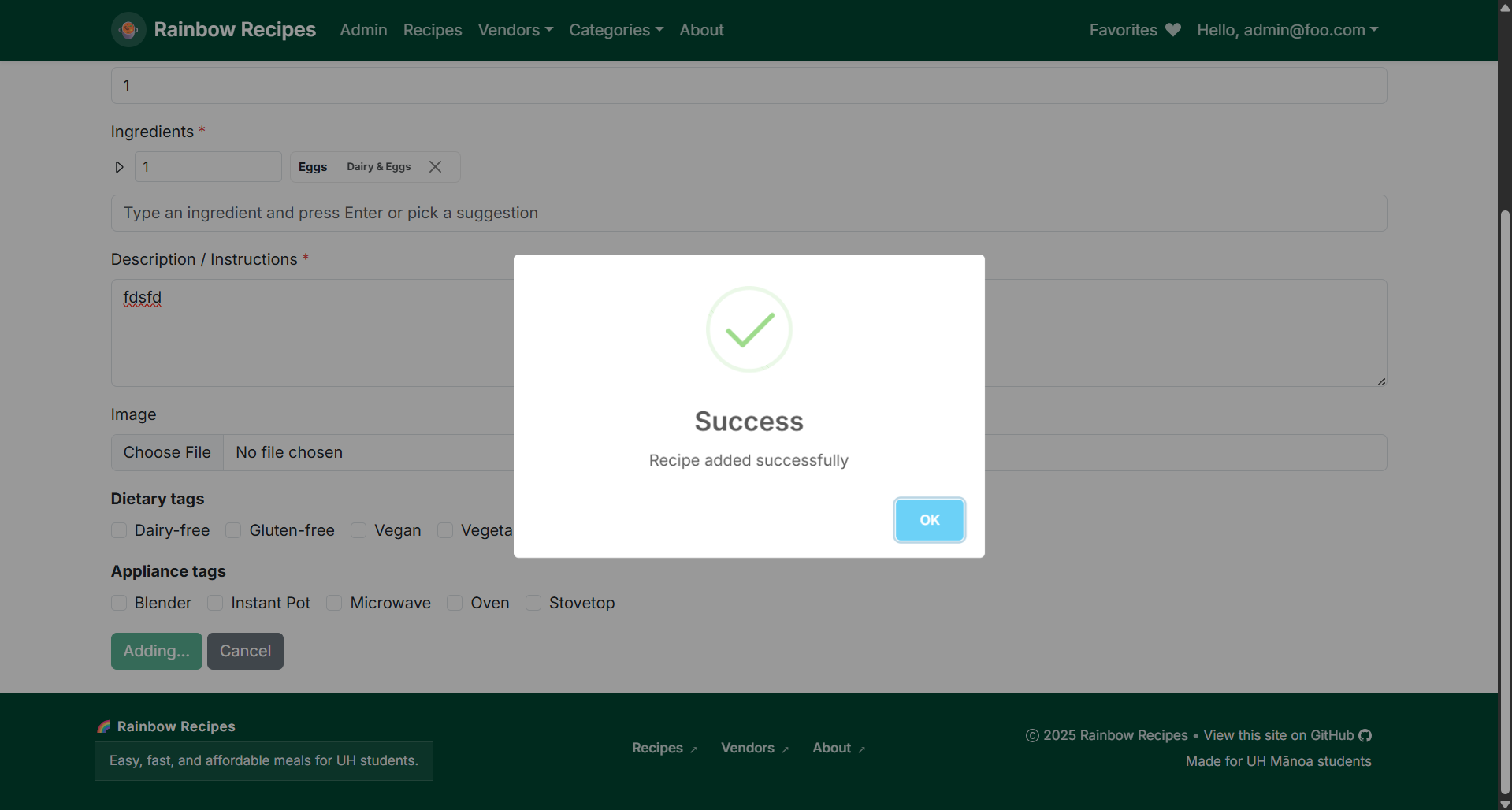
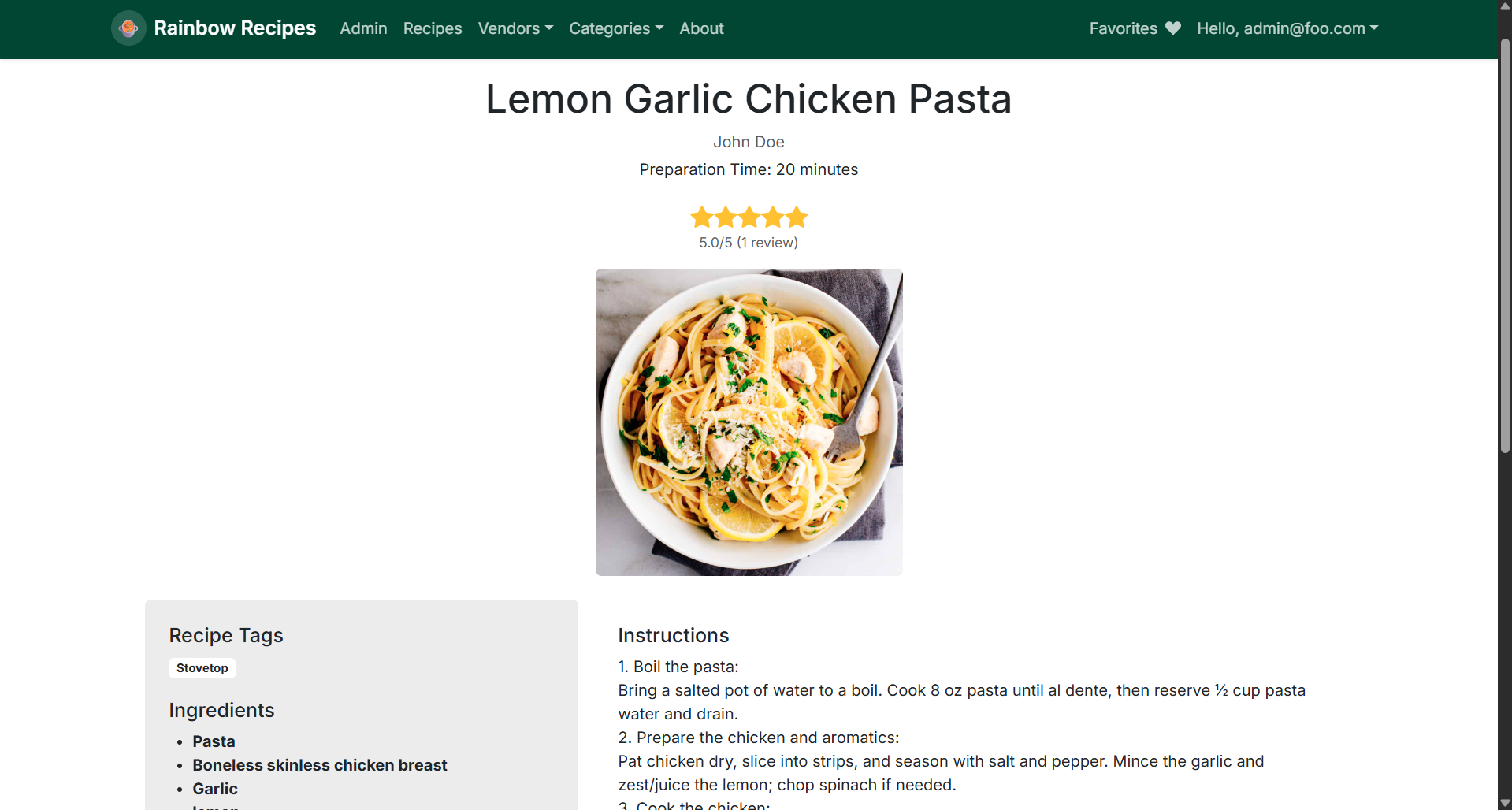
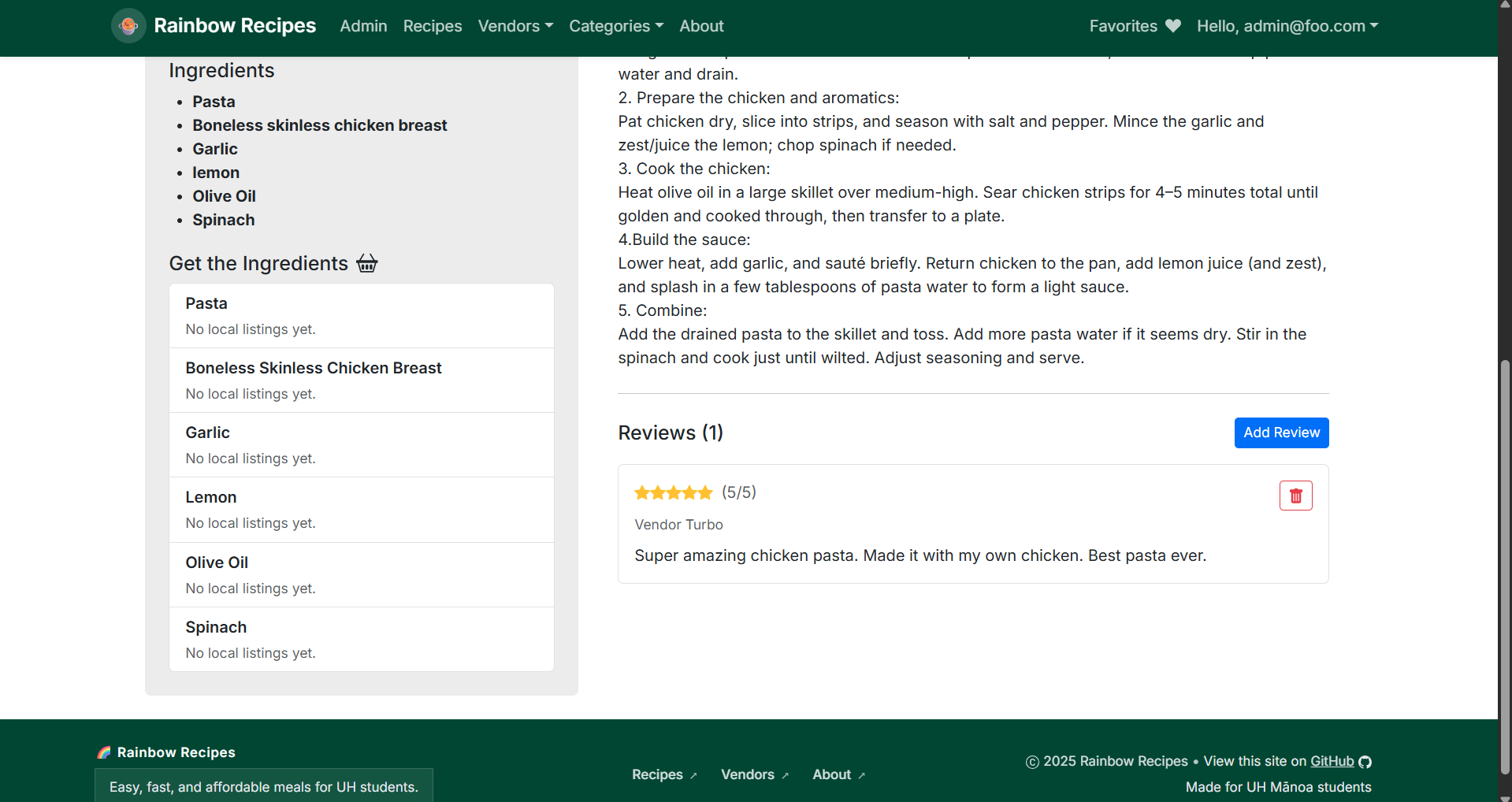
Updated Detailed Recipe Page with Reviews
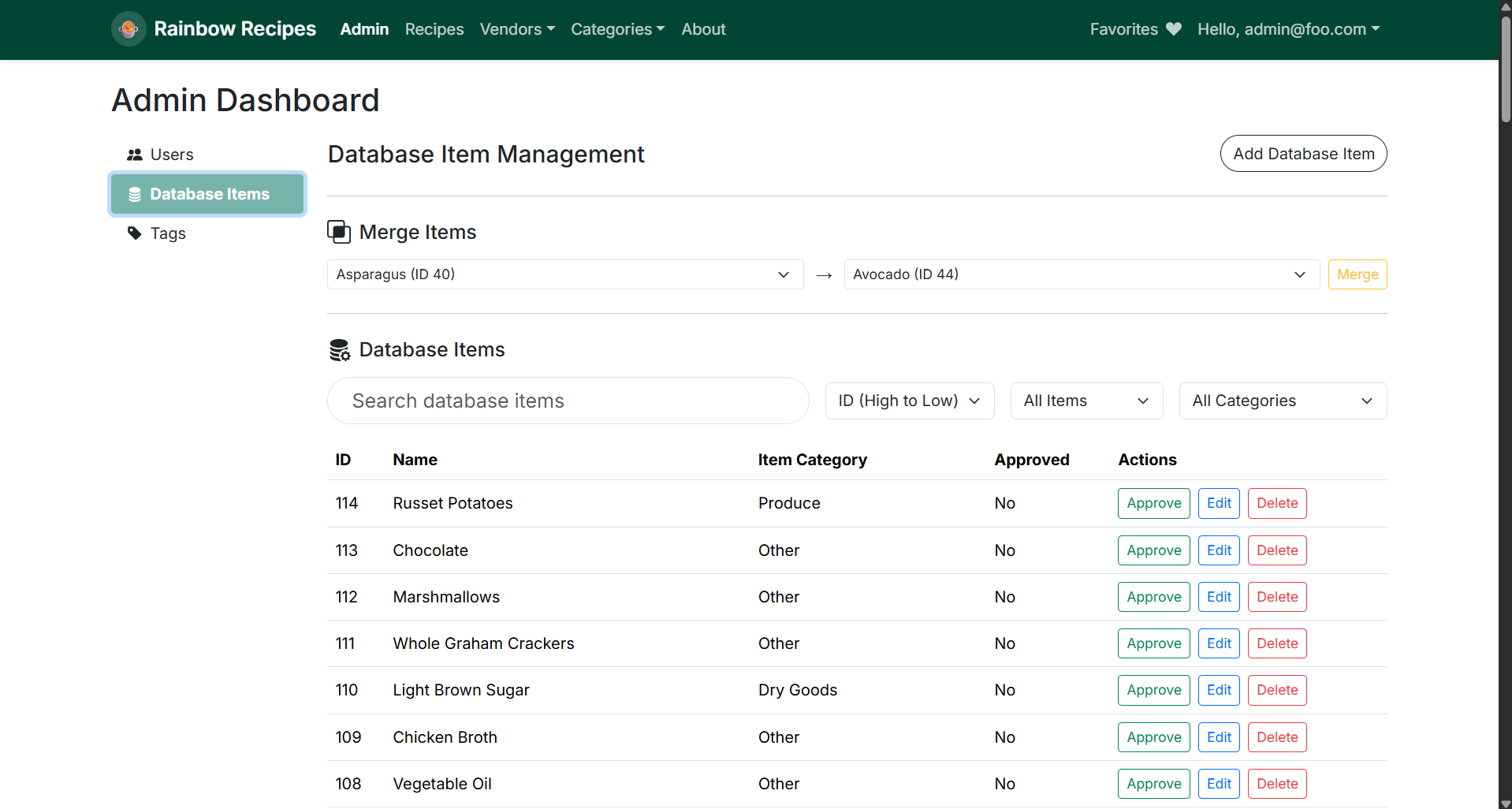
Admin Database Dashboard
Vendor Map Page
Community Feedback
Overall Experience
Feedback was mostly positive, users found the site easy to navigate, visually appealing, and helpful for discovering recipes. Users highlighted the layout and aesthetic as major strengths.
Reported Issues & Bugs
-
The “I’m Feeling Lucky!” button often returned the same recipe repeatedly unless the page was manually refreshed.
-
The Recipes and Categories tabs were noted by some as feeling redundant or confusing.
-
One tester experienced recipe and vendor load failures during their session.
-
Minor logical input validation issues were spotted in the signup form (e.g., allowing non-alphanumeric characters in name/email fields).
Suggestions for Improvement
-
Fix the “I’m Feeling Lucky!” randomization so it truly selects a different recipe each time.
-
Adjust signup field validation to prevent invalid character strings.
-
Clarify or streamline the Categories vs. Recipes navigation to reduce confusion.
-
Ensure the footer and layout resize properly on smaller screens.